Download
 minecraft.net
 Microsoft Store
 macOS .dmg
 Linux packages
 01
01
Download
Grab the installer from minecraft.net or the Microsoft Store — never from third-party catalogues.
Official download paths, edition guides, mod setup, and proven fixes — written for Windows, macOS, and Linux players.
 Free installer
 Win · Mac · Linux
 Java & Bedrock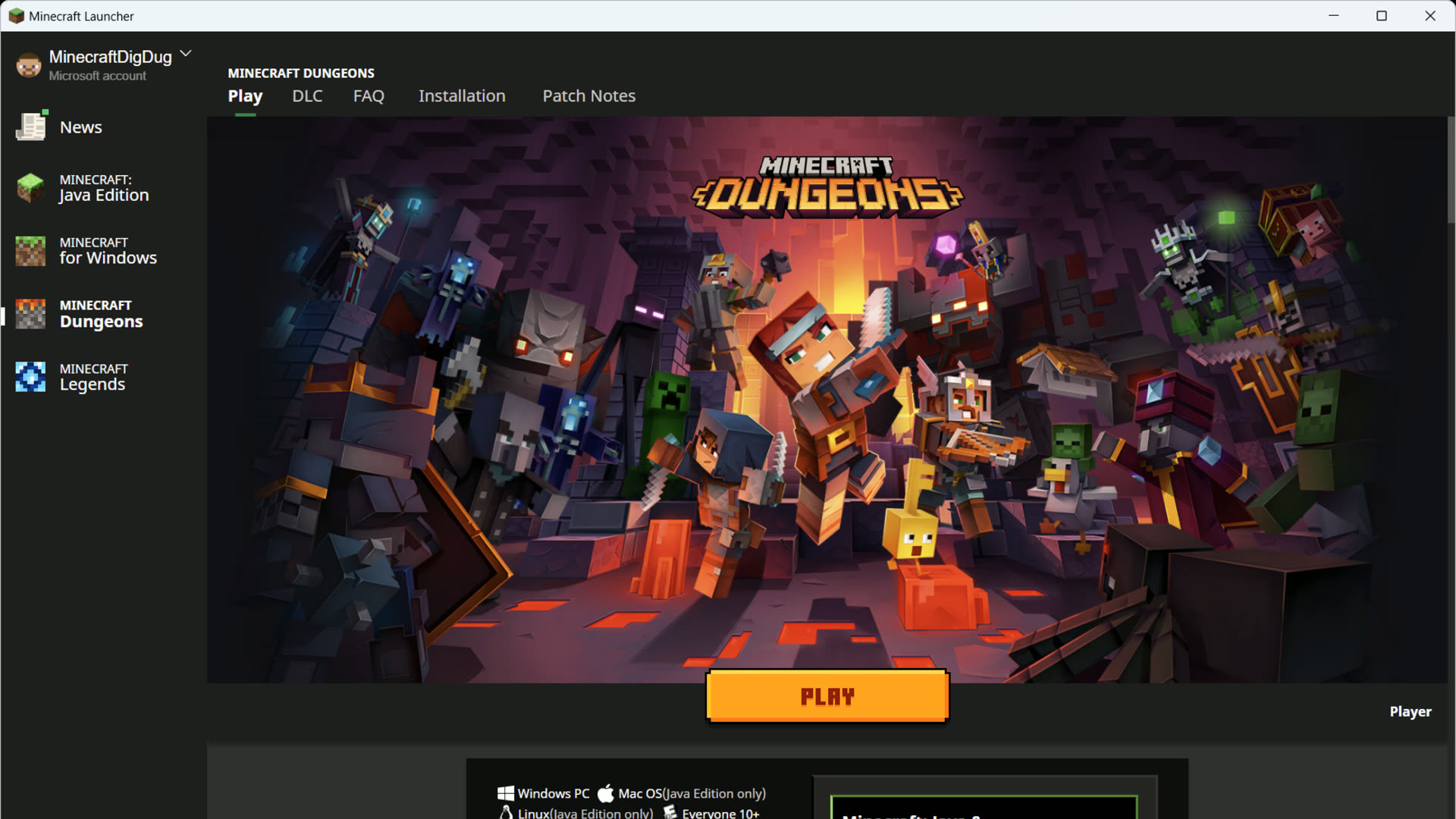
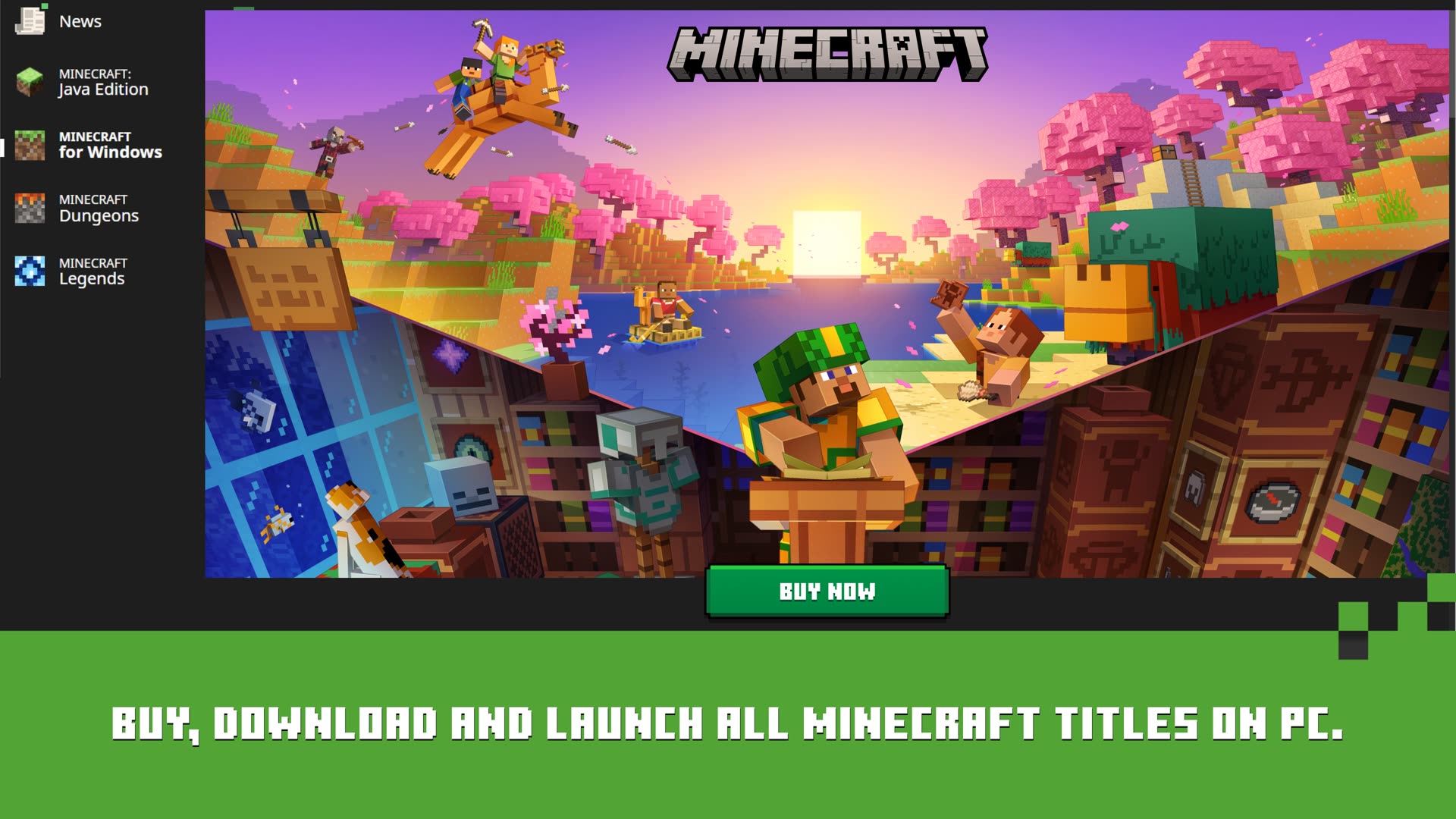
The same official Mojang app from minecraft.net — one window for Java, Bedrock, Dungeons, and Legends on Windows.
 Java Edition
Minecraft for Windows
Java Edition
Minecraft for Windows
 Dungeons
 Legends
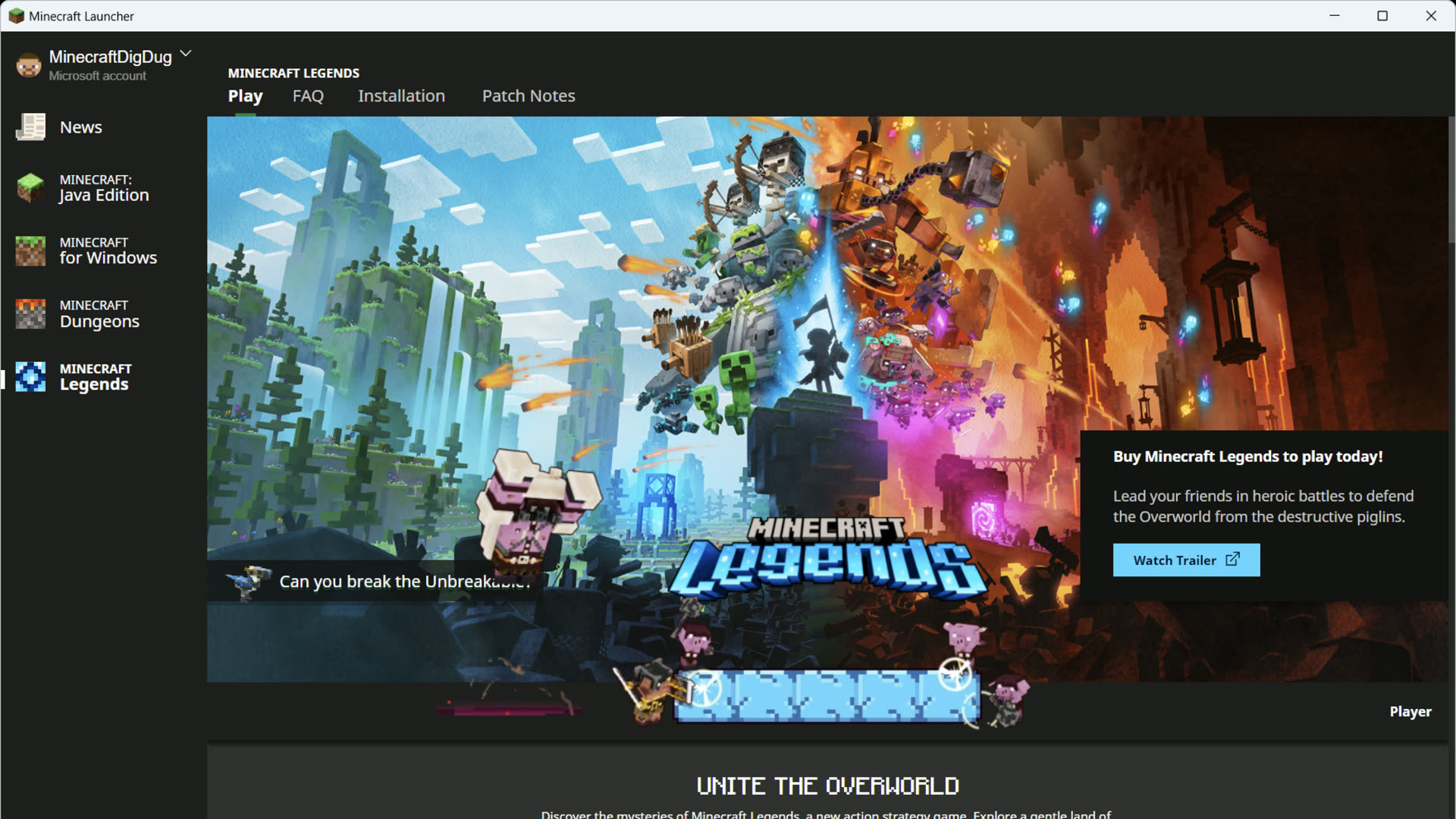
Official Mojang Launcher · Windows 10 / 11
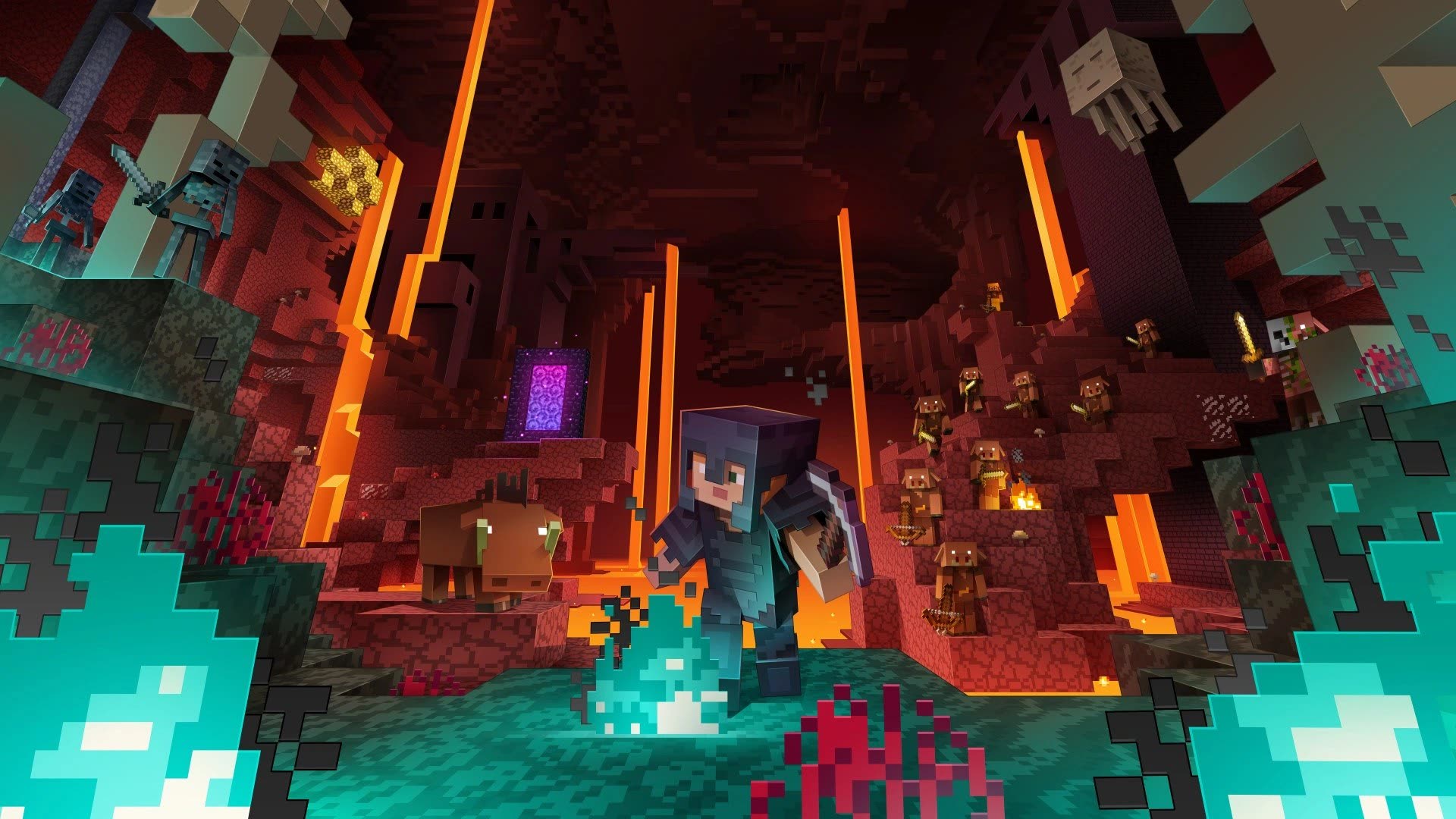
Real launcher paths, edition picks, and fixes — built around the same worlds, mobs, and art you see in-game.
 minecraft.net
Microsoft Store, minecraft.net installer, macOS .dmg, and Linux packages — never third-party mirrors.
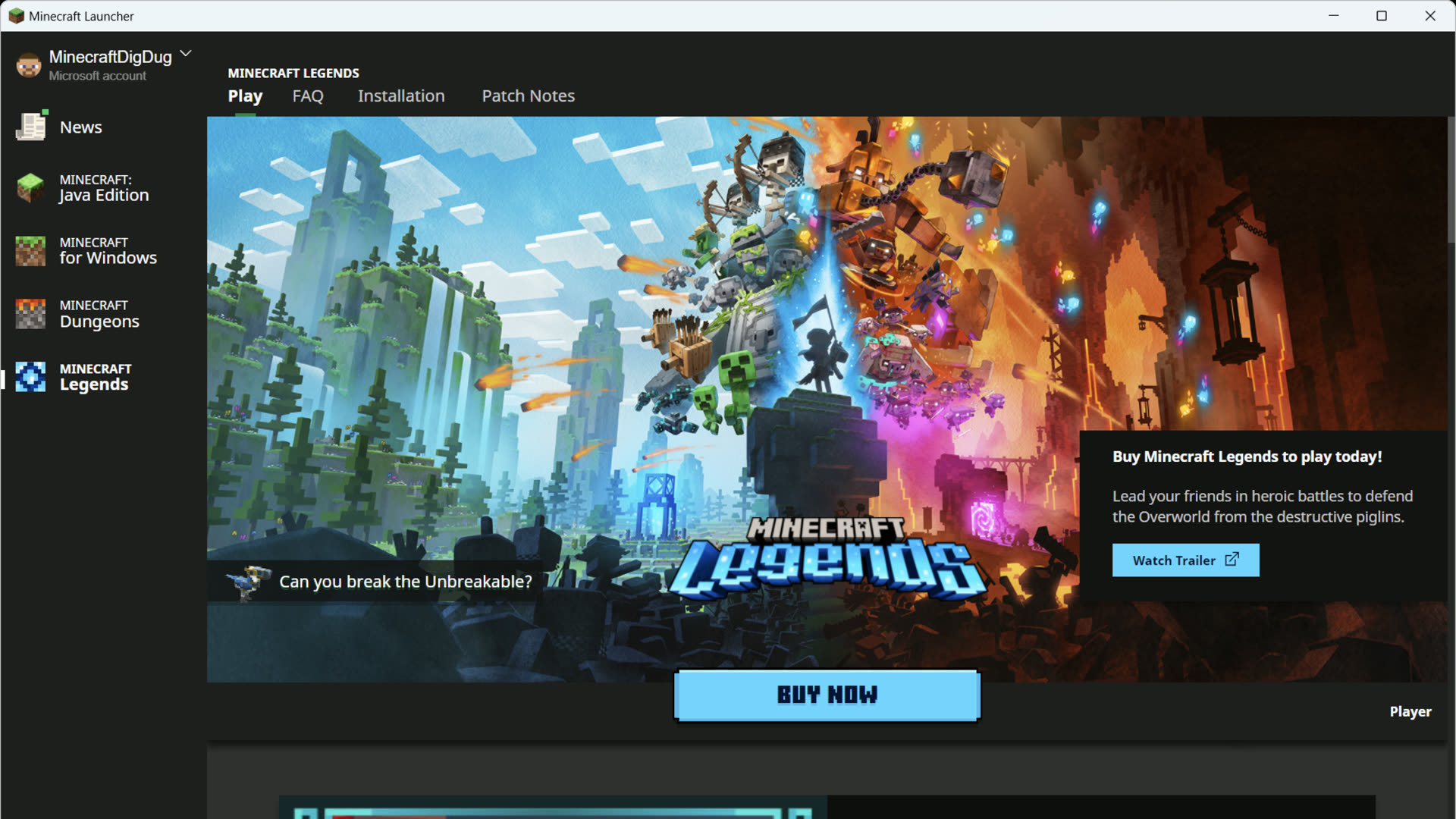 First launch
Sign in with Microsoft, download your edition, and land on the green Play button for the first time.
Mods and servers on Java, cross-play on Bedrock — compare before you pick an edition in the left rail.
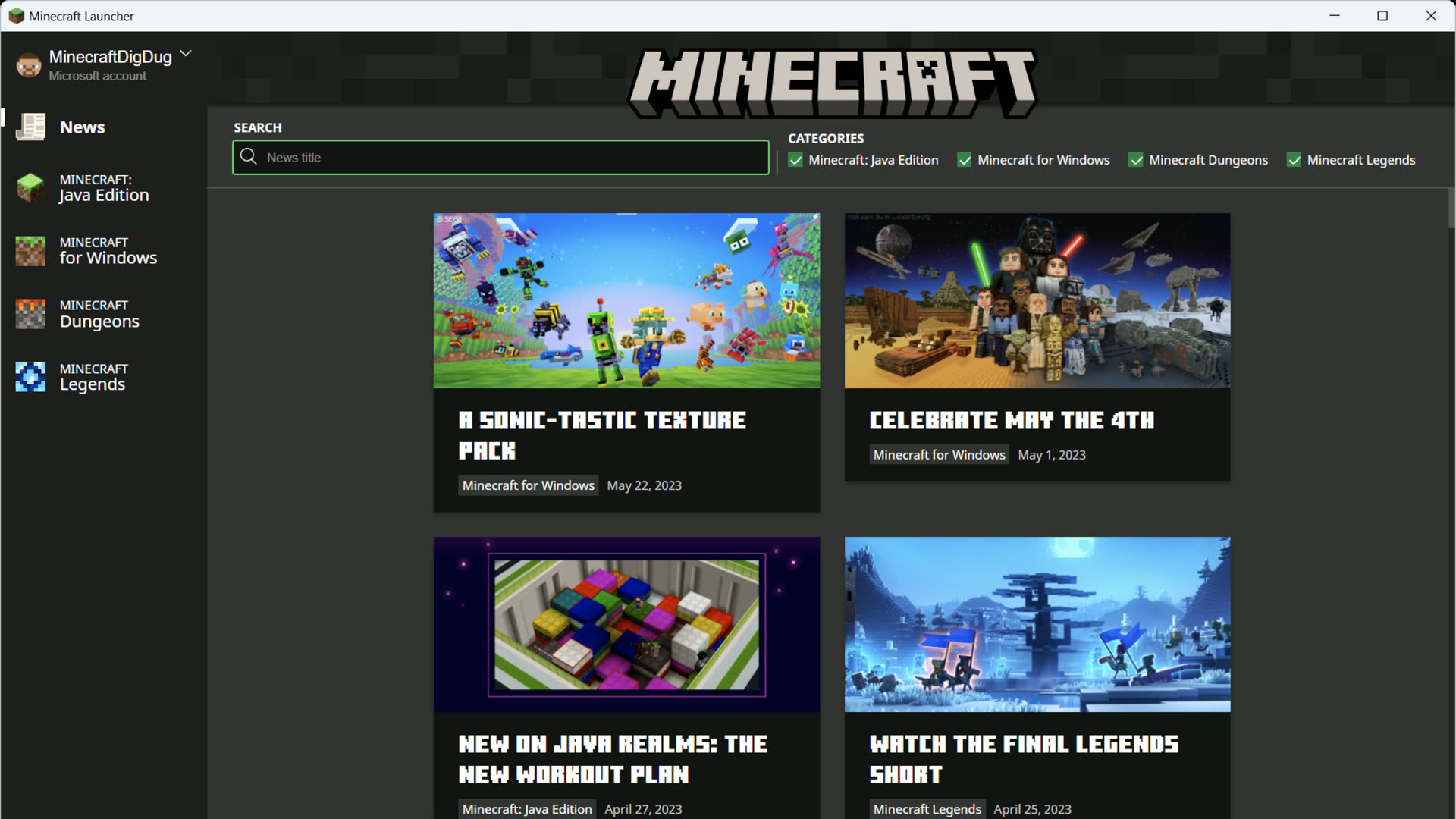 Quick Play bar
Recent worlds, Realms, and servers — jump straight in from the launcher without digging through menus.
 Fabric · Forge
Add Fabric, NeoForge, or Forge profiles in the launcher — keep loaders separate from vanilla worlds.
 Fix guides
Failed downloads, missing Java, sign-in loops, and crashes — fixes pulled from real player reports.
The Minecraft Launcher is Mojang's free PC hub — it signs you in, downloads your editions, and hands you the green Play button.
01
Grab the installer from minecraft.net or the Microsoft Store — never from third-party catalogues.
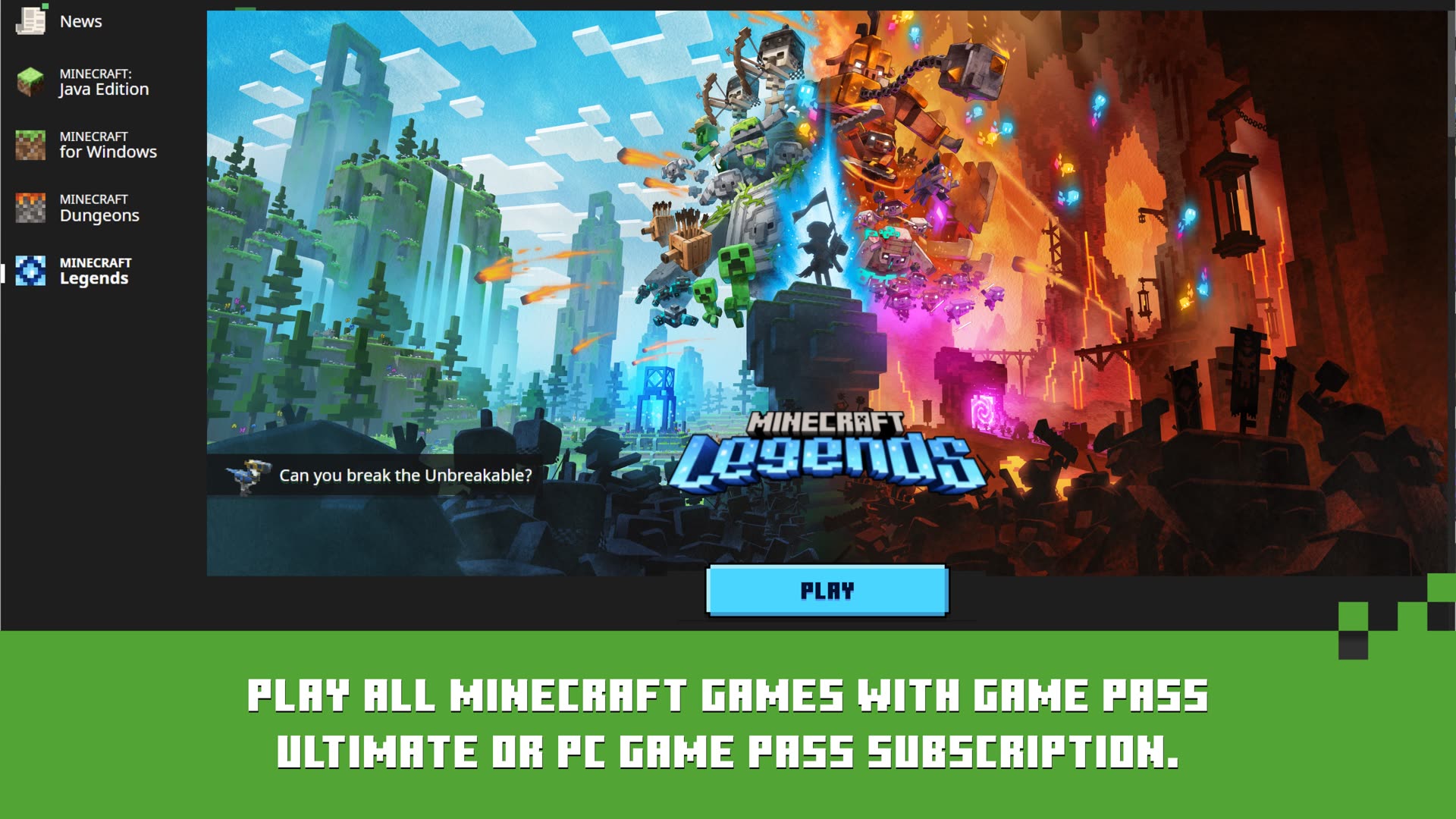 02
02
Use the Microsoft account that owns the game. The launcher saves it for next time.
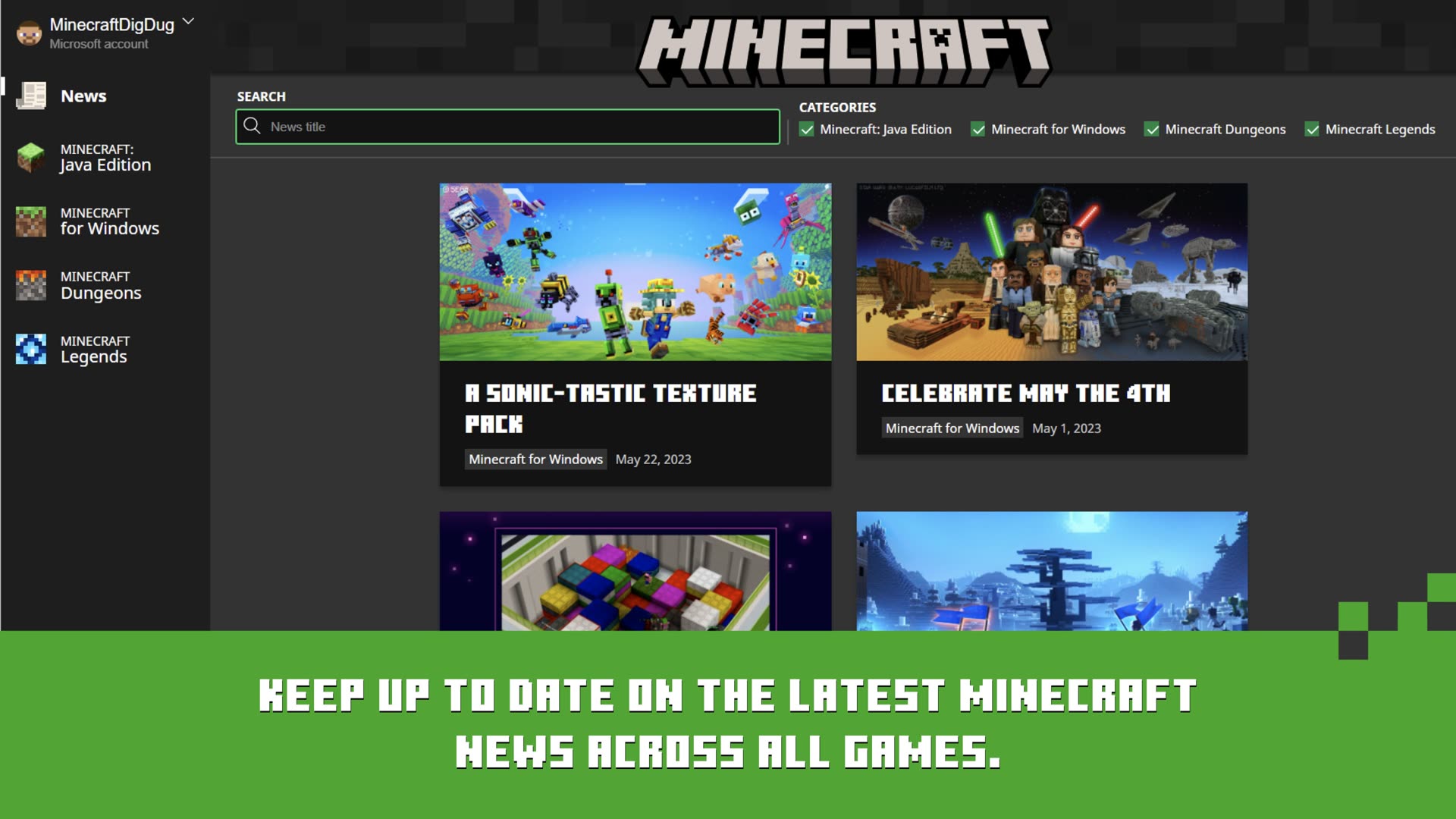 03
03
Choose Java Edition or Bedrock in the left rail. On Windows you get both in one app.
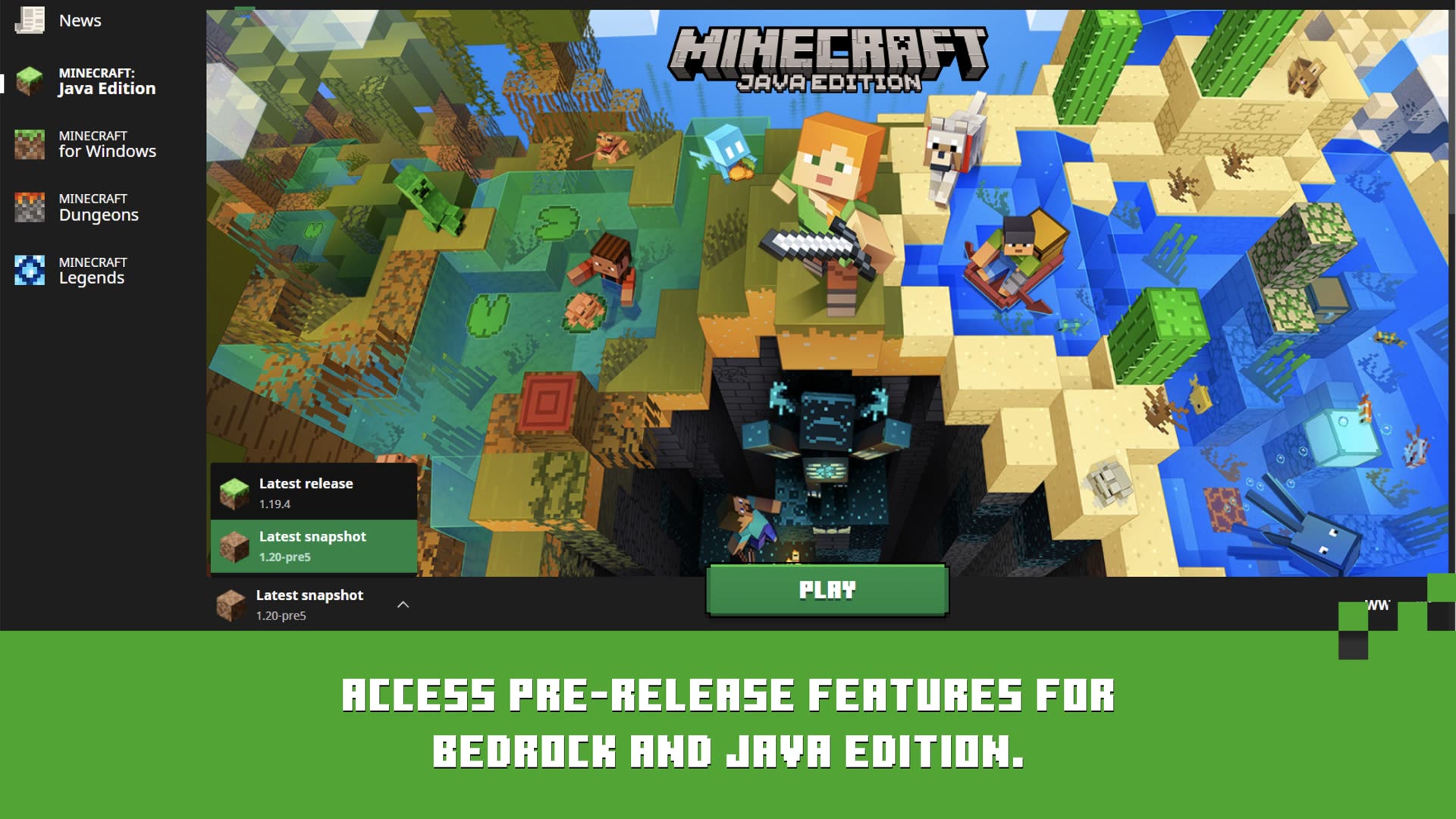 04
04
Wait for the first-time download, then jump into your world, Realm, or server.
Windows gets every edition. macOS and Linux run Java Edition through the same official Mojang launcher.
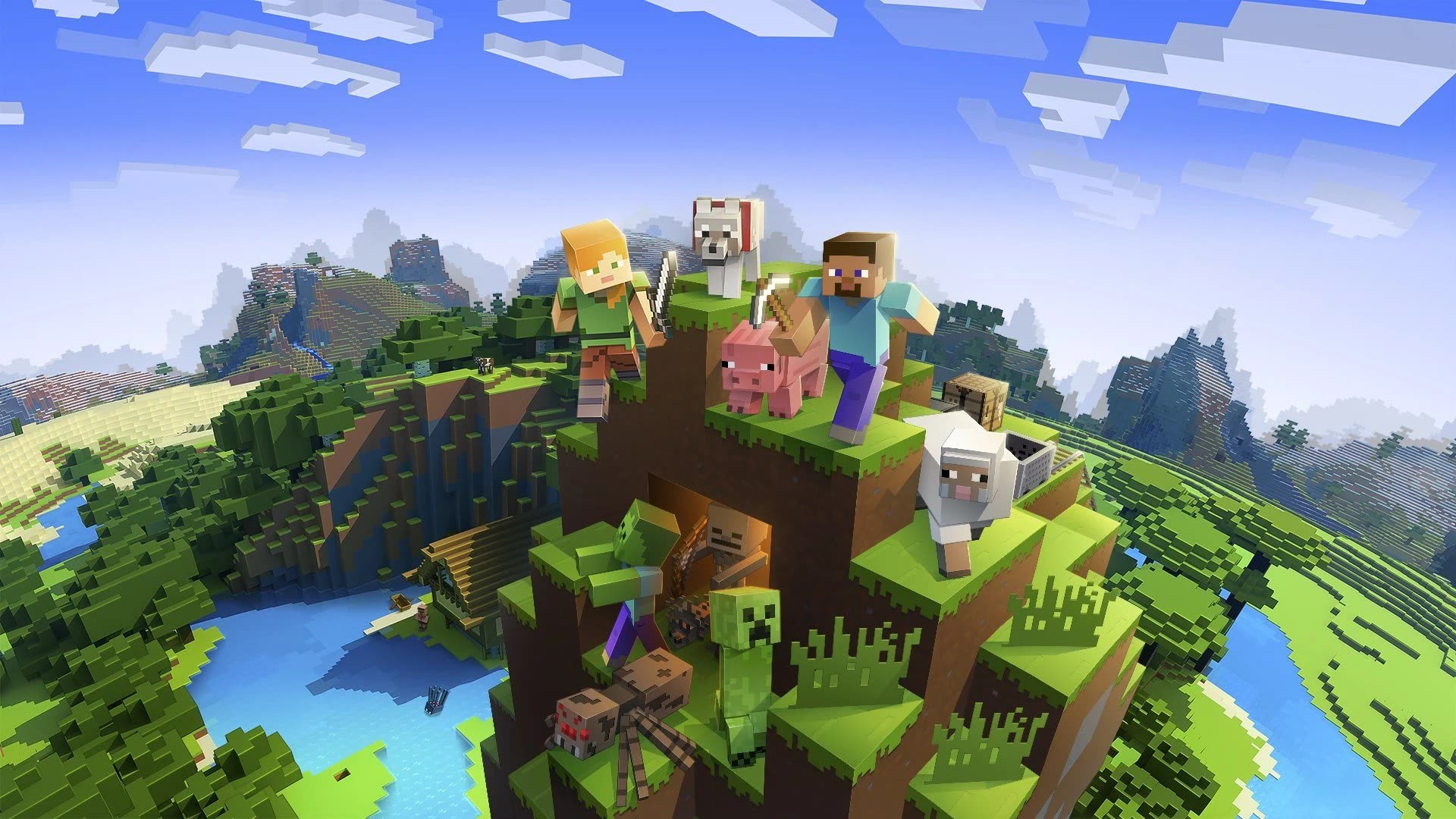
Press Play and step into the Overworld, the Nether, and the End — plus Realms, servers, and modpacks.
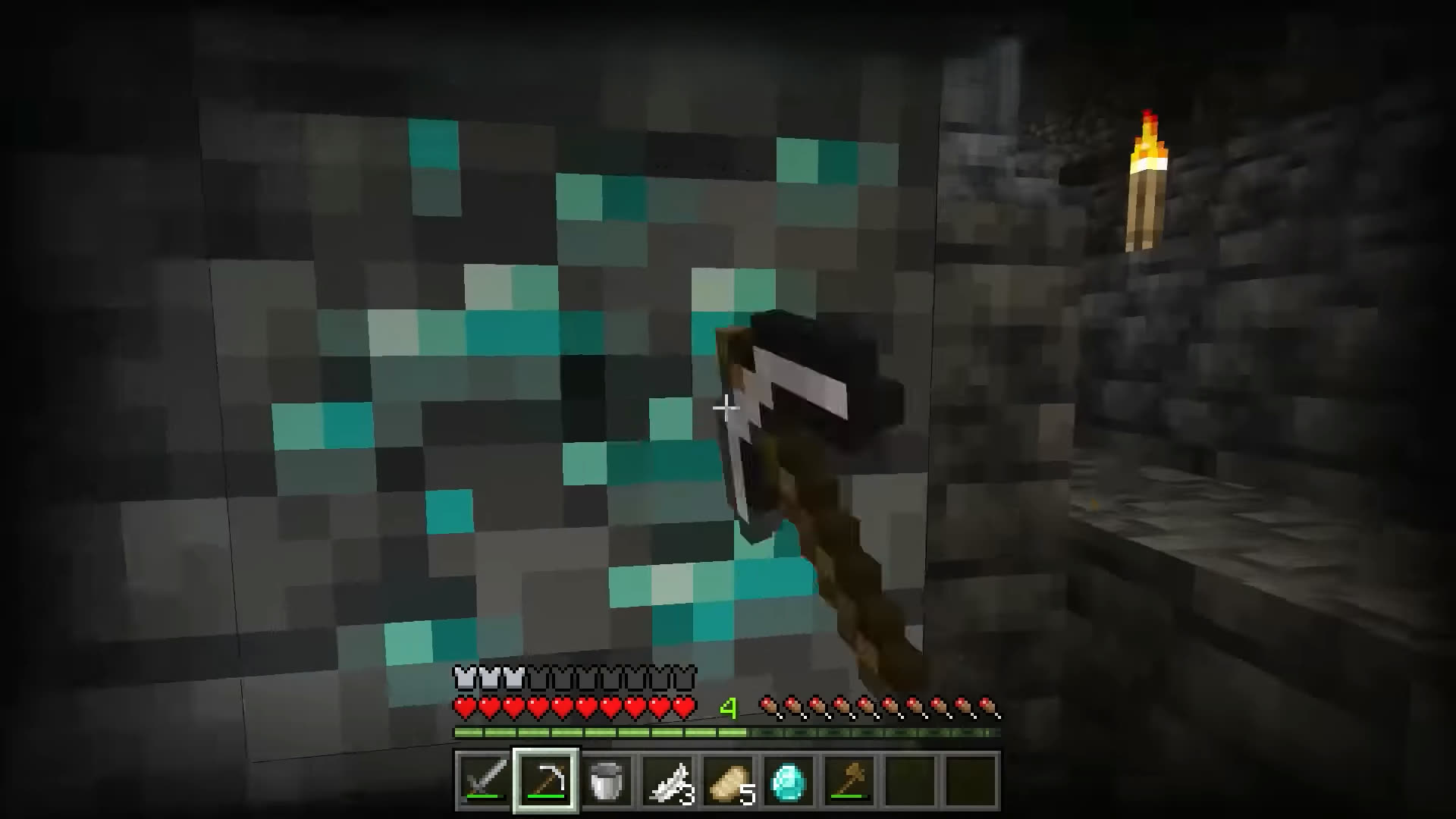 Overworld
Survival worlds, creative plots, and the caves where you hunt for diamonds.
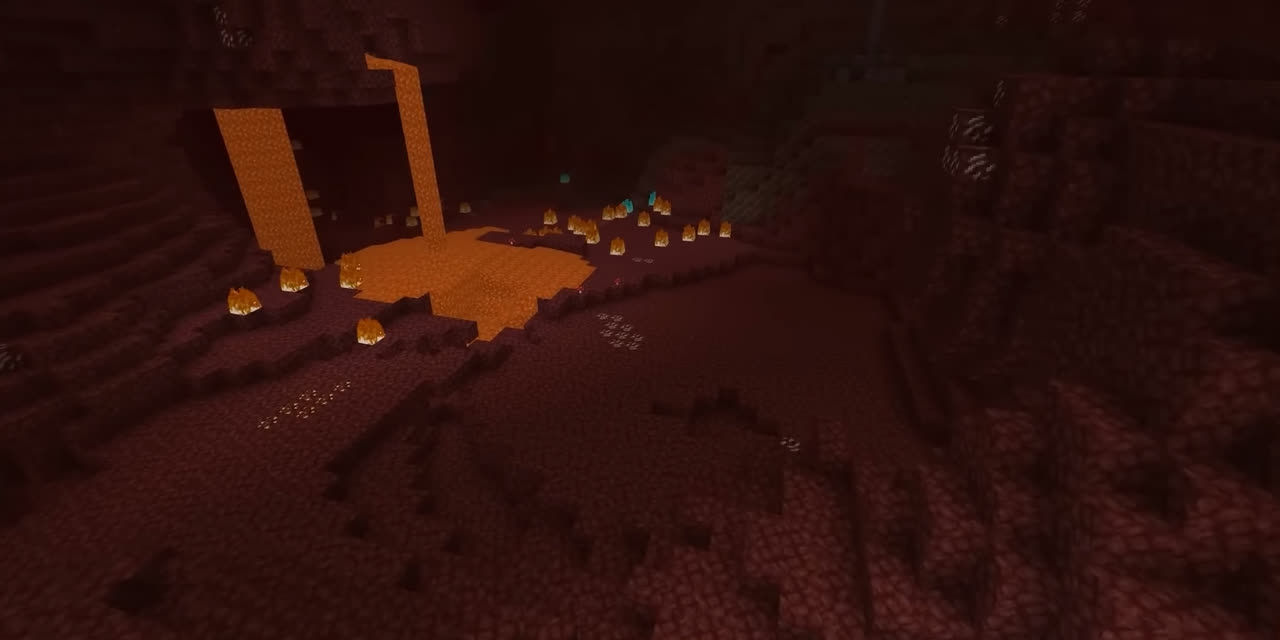 The Nether
Blaze rods, ancient debris, and the portal network between dimensions.
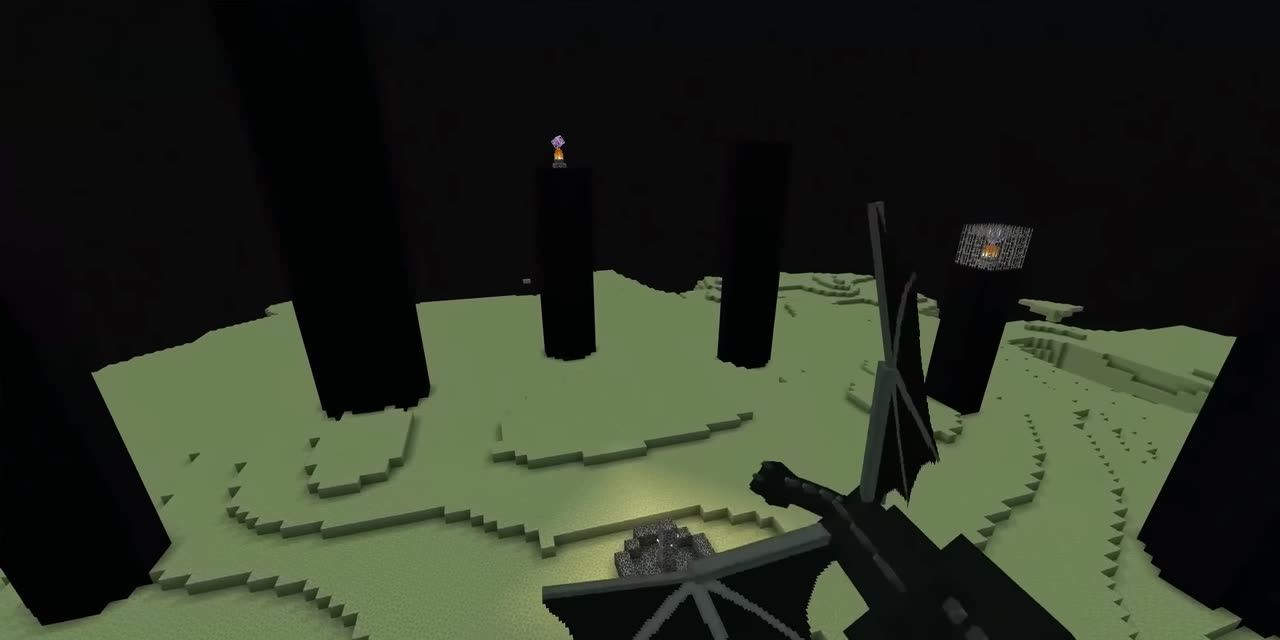 The End
End cities, elytra runs, and the fight that closes the main survival arc.
Based on public forum threads and Microsoft Q&A — not invented testimonials.
 Download failed
Download bar freezes on a .jar or asset — usually CDN, antivirus, or a corrupted version folder.
Fix download errors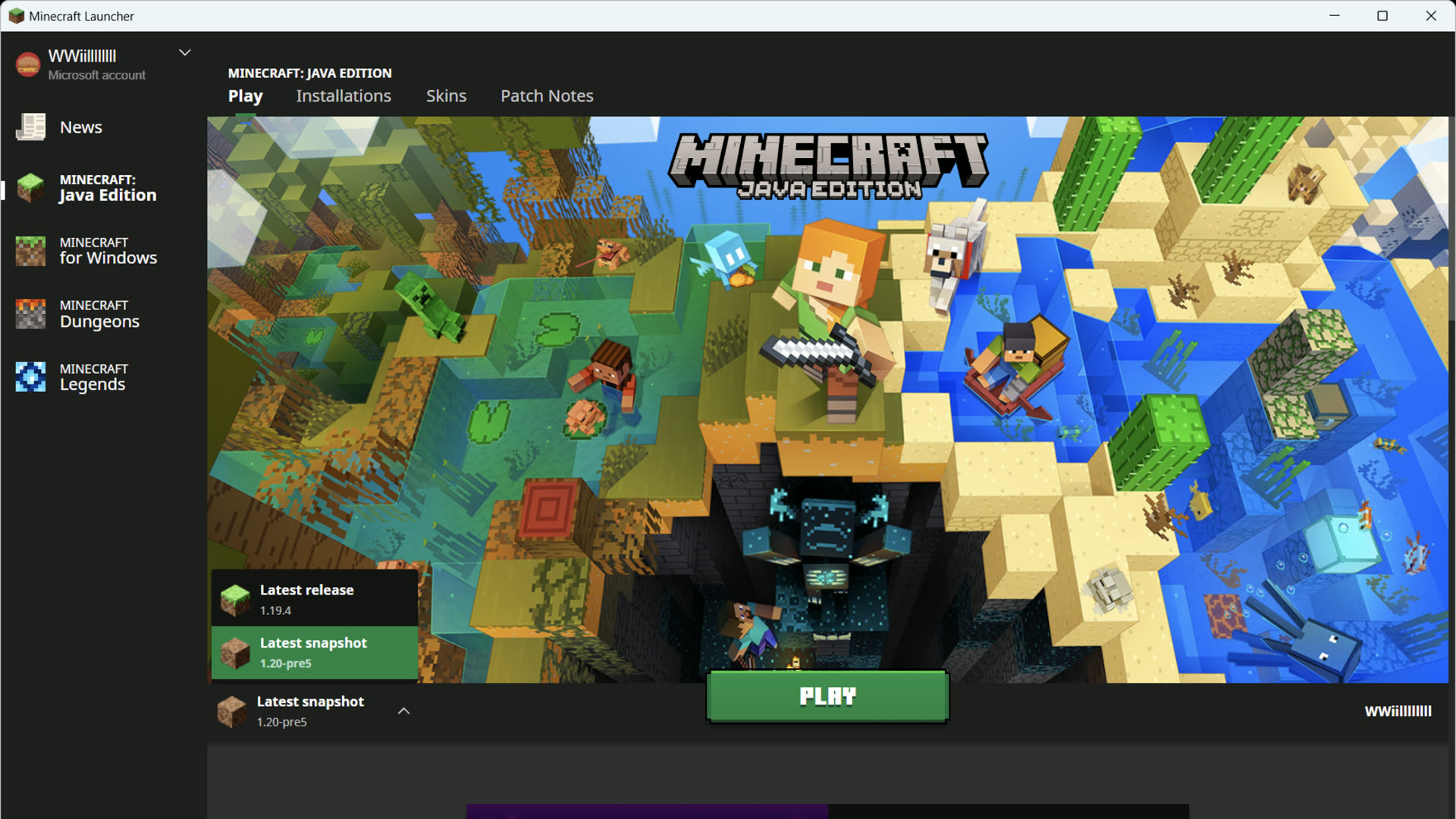 Java runtime
The launcher bundles its own Java — this error means a broken install or a bad custom javaw path.
Fix Java runtime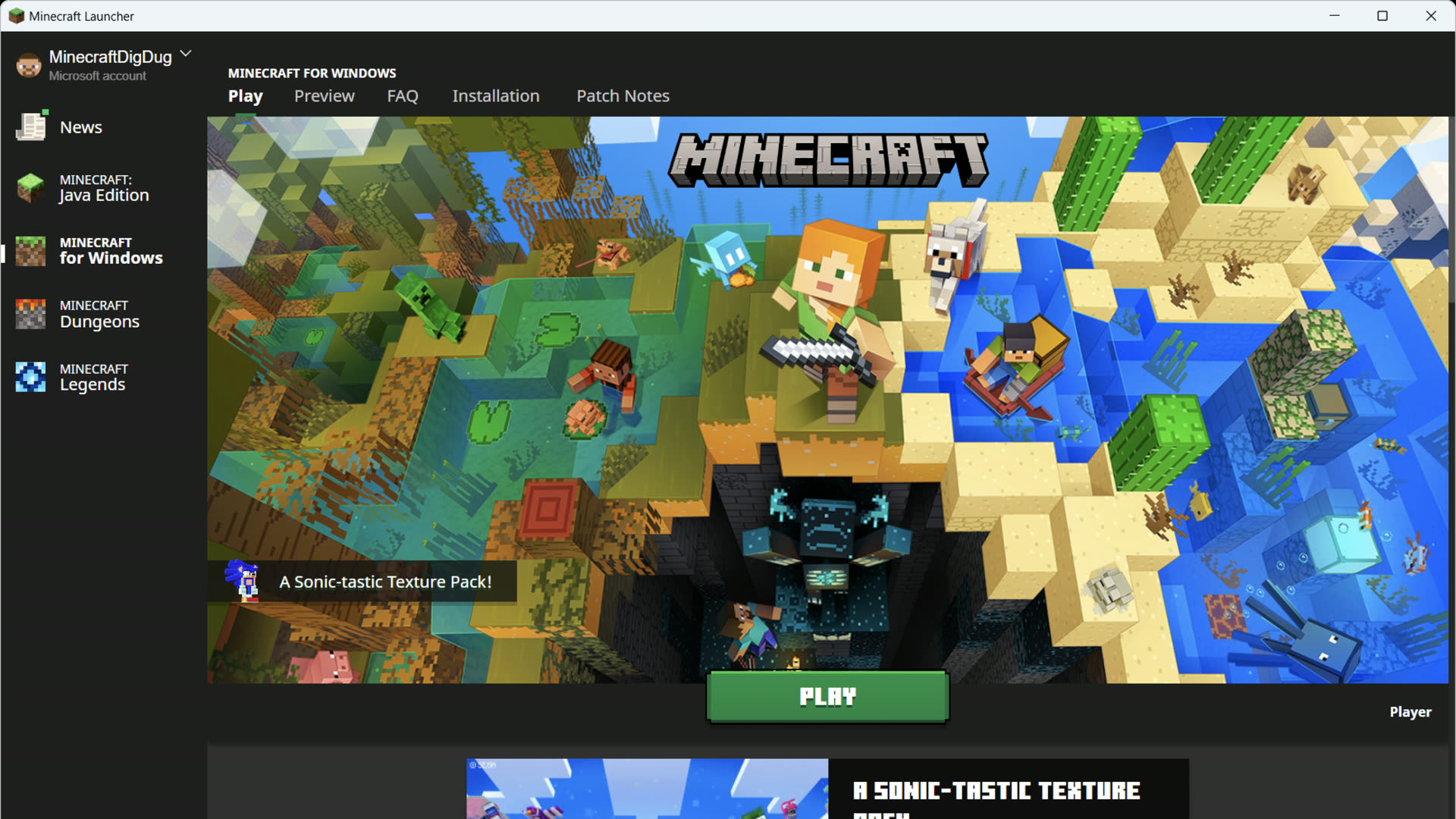 Sign-in
Store, Xbox app, and Gaming Services must share one Microsoft account.
Fix sign-in errors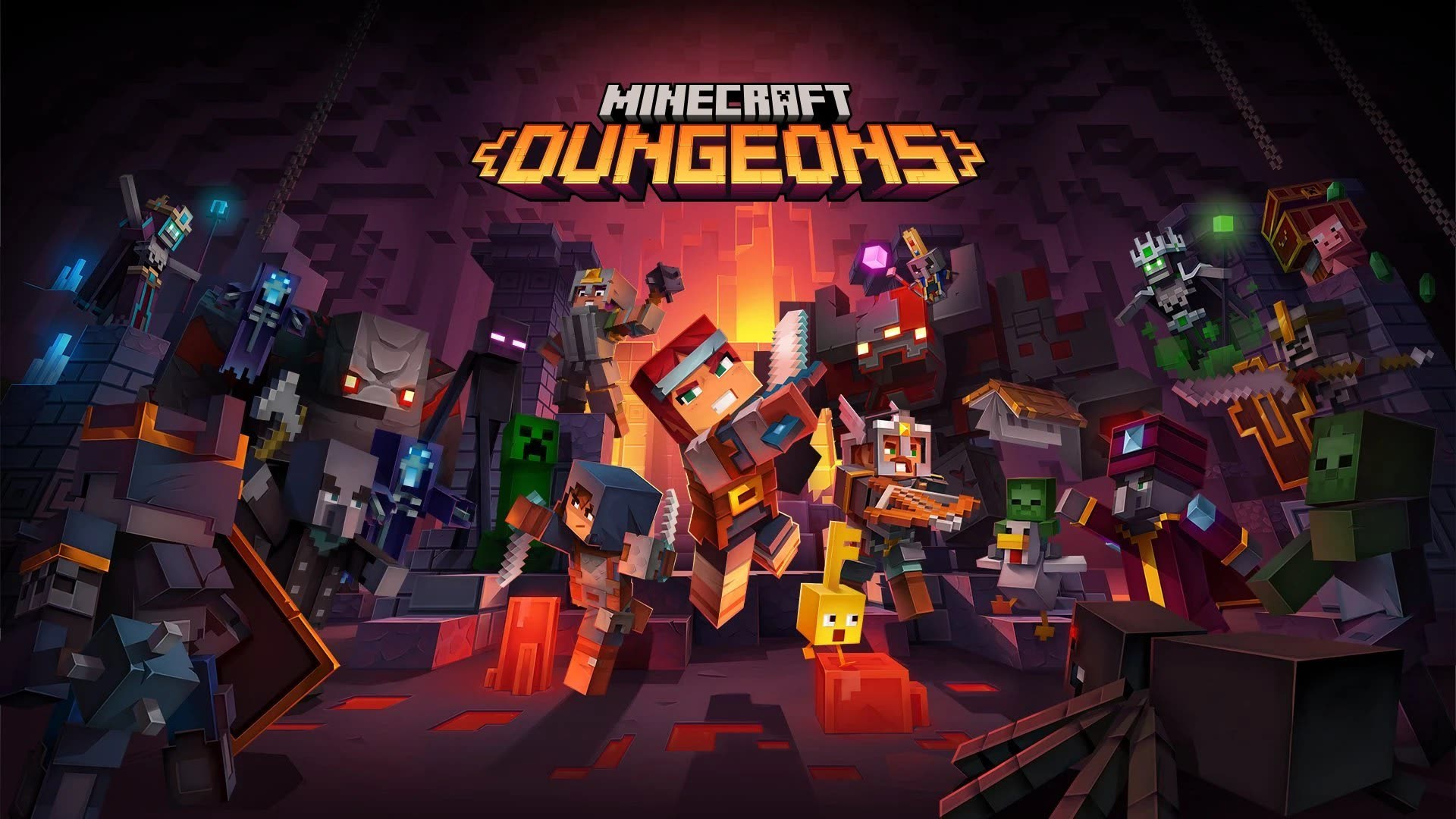 Before you press Play
The five questions players ask before they ever press Play.
Get the official installer from Mojang. Come back here if Play fails, Java goes missing, or you need a clean modded profile.
 Windows 10 / 11