डाउनलोड
 minecraft.net
 Microsoft Store
 macOS .dmg
 Linux पैकेज
 01
01
डाउनलोड
installer minecraft.net या Microsoft Store से लें — कभी third-party catalogues से नहीं।
Official download paths, edition guides, mod setup, और proven समाधान — Windows, macOS, और Linux खिलाड़ियों के लिए।
 मुफ़्त इंस्टॉलर
 Win · Mac · Linux
 Java & Bedrock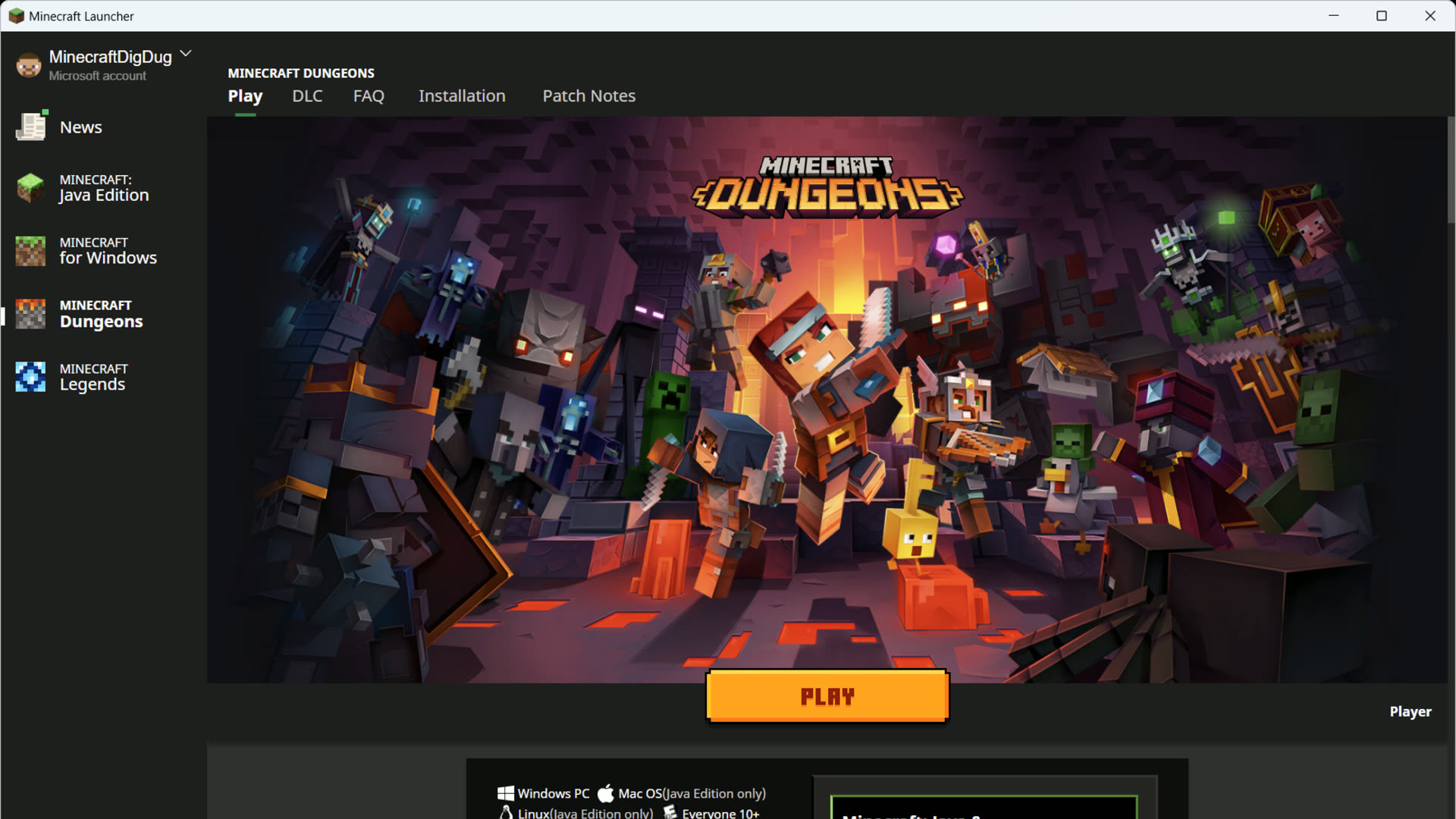
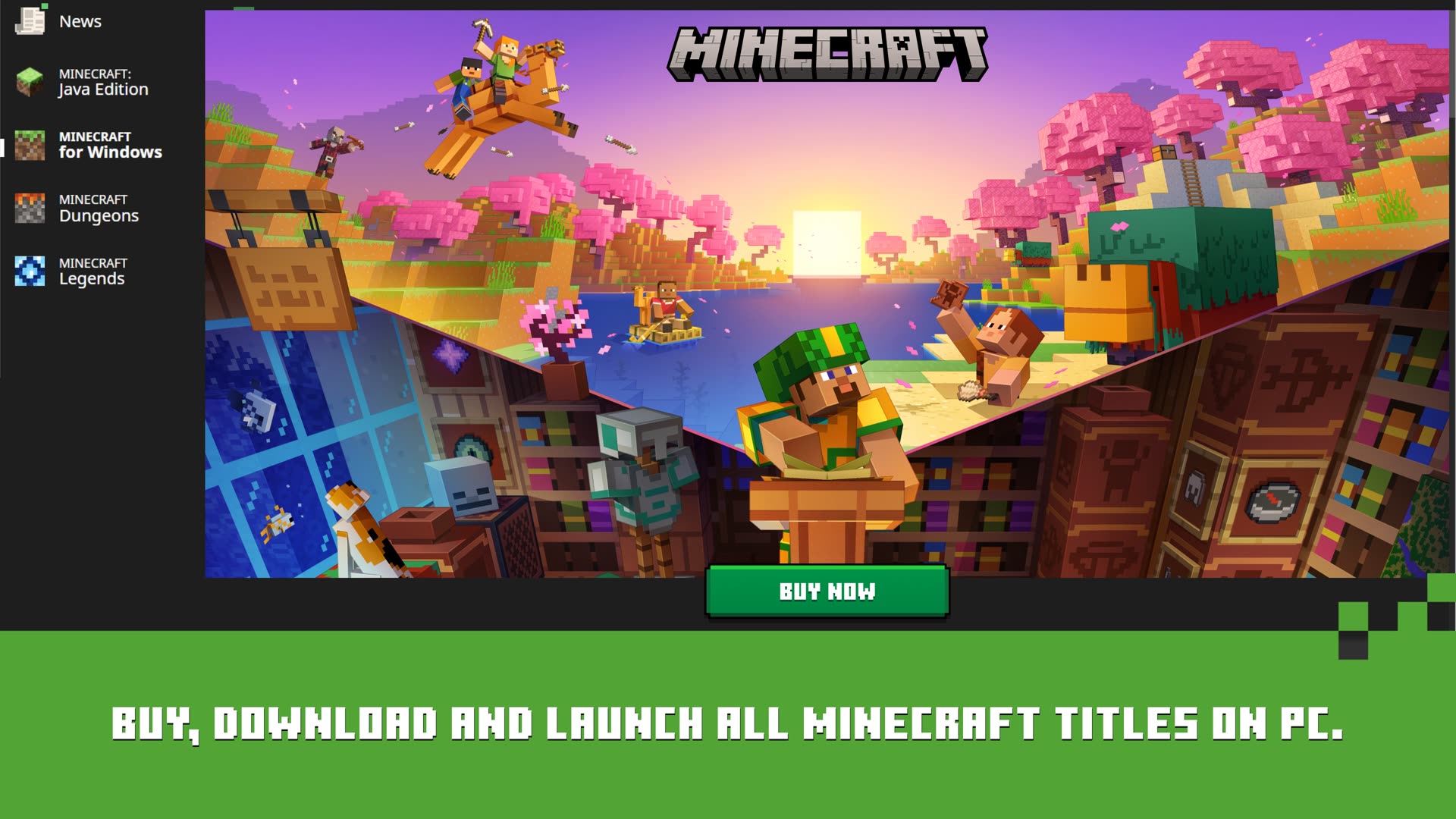
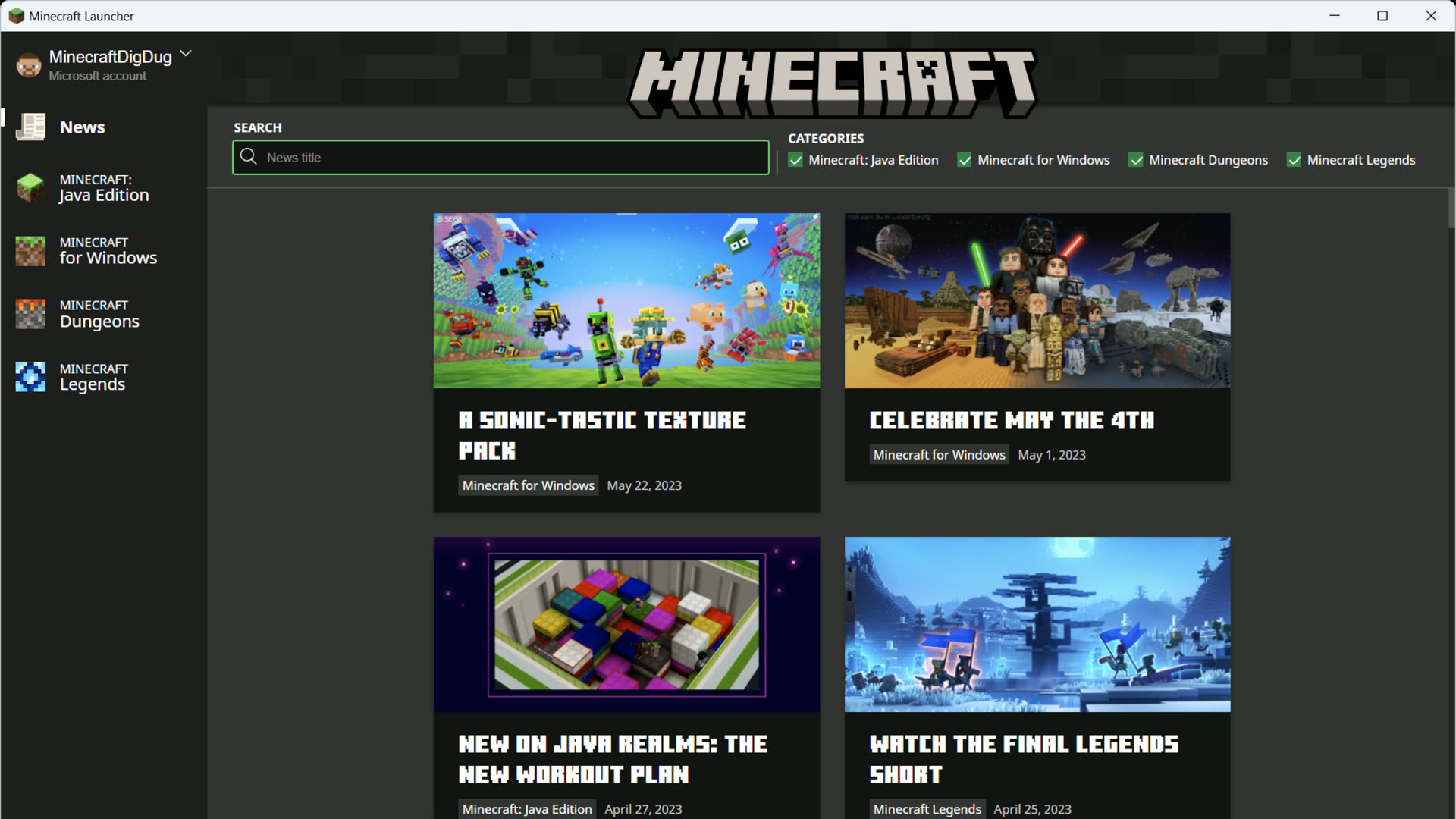
minecraft.net का वही official Mojang app — Windows पर Java, Bedrock, Dungeons, और Legends के लिए एक window।
 Java Edition
Windows के लिए Minecraft
Java Edition
Windows के लिए Minecraft
 Dungeons
 Legends
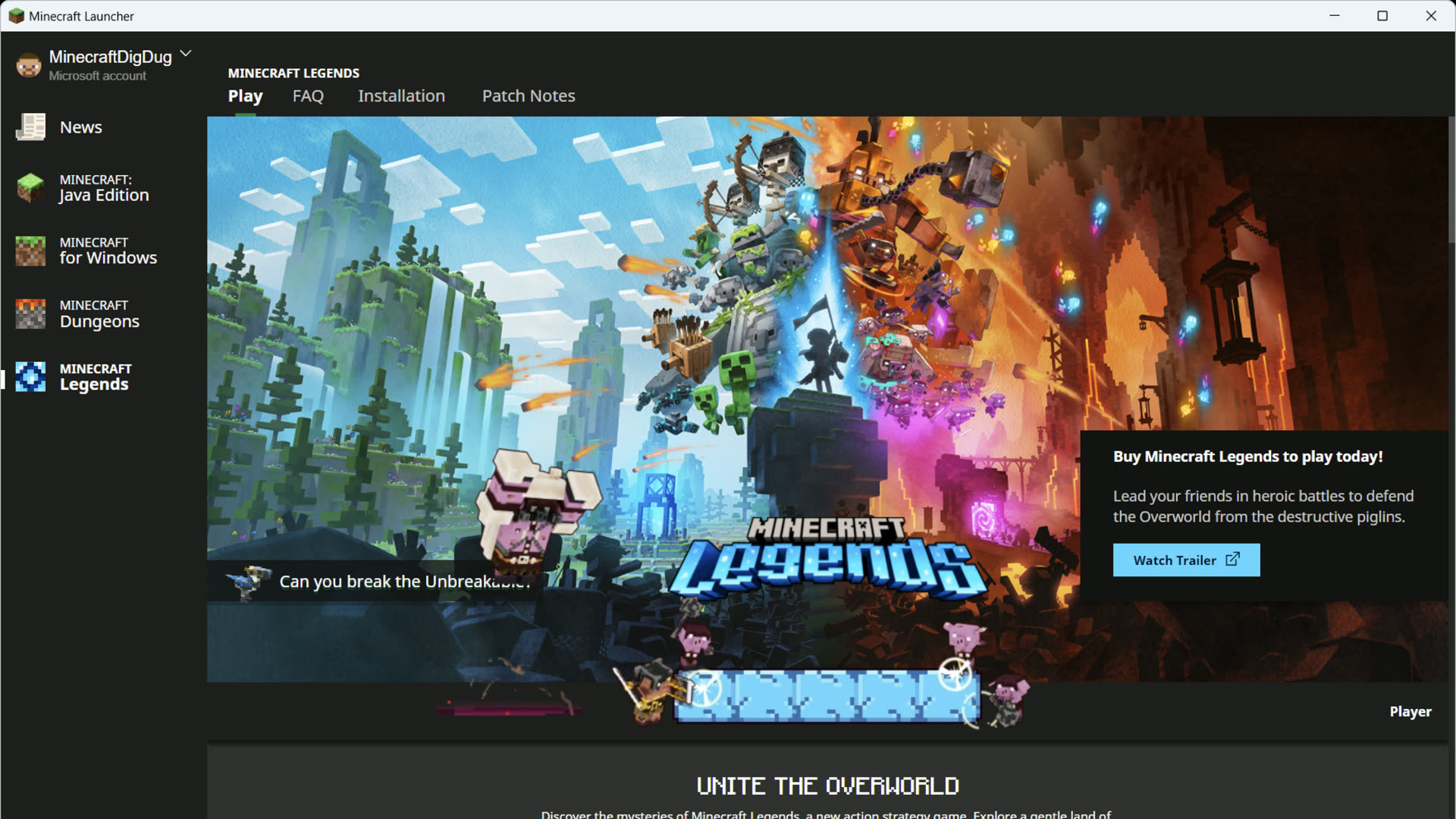
आधिकारिक Mojang Launcher · Windows 10 / 11
असली launcher paths, edition picks, और समाधान — वही worlds, mobs, और art जो in-गेम दिखते हैं।
 minecraft.net
Microsoft Store, minecraft.net installer, macOS .dmg, और Linux पैकेज — कभी third-party mirrors नहीं।
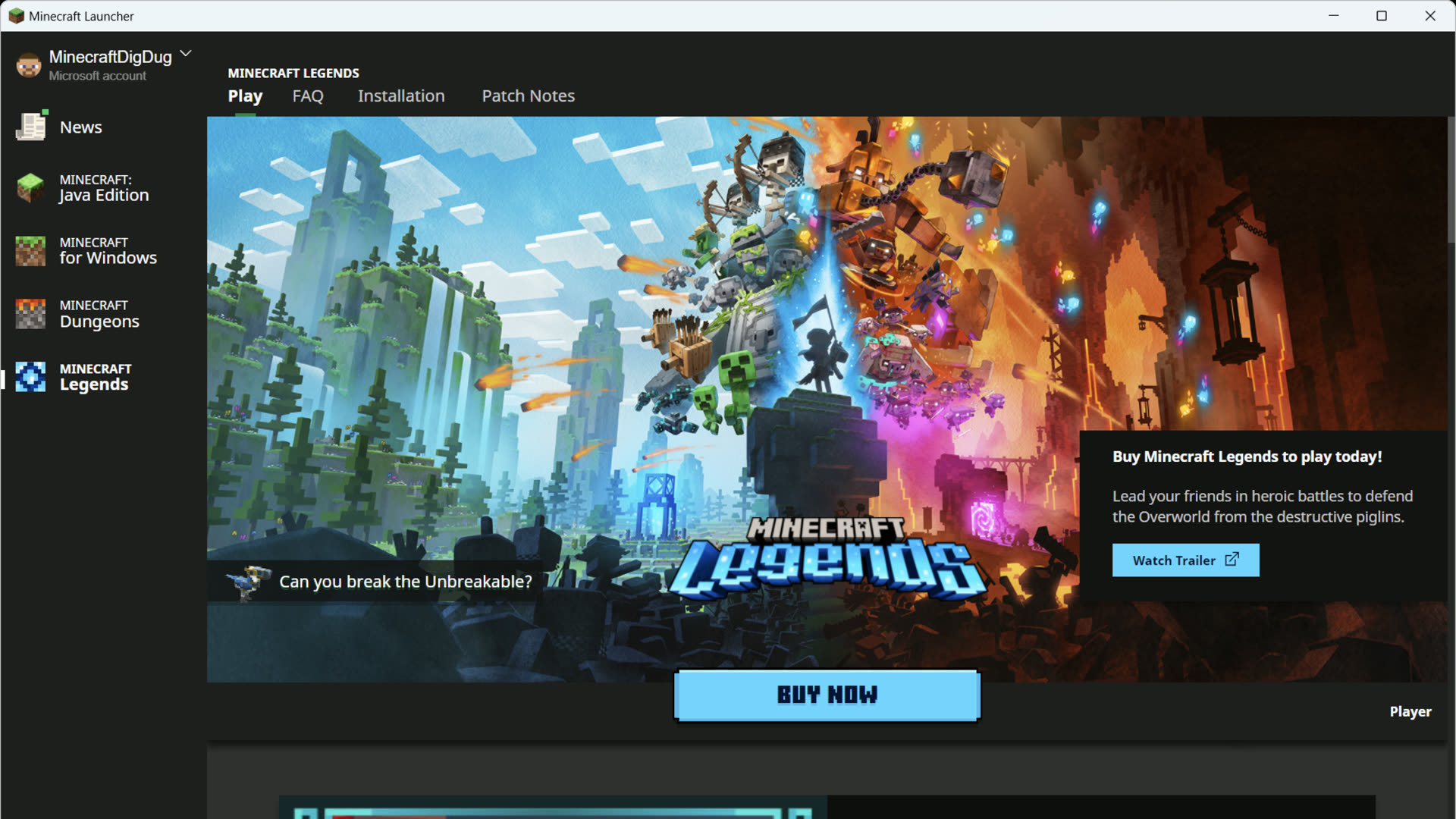 पहला लॉन्च
Microsoft से sign in करें, edition download करें, और पहली बार green Play button पर पहुँचें।
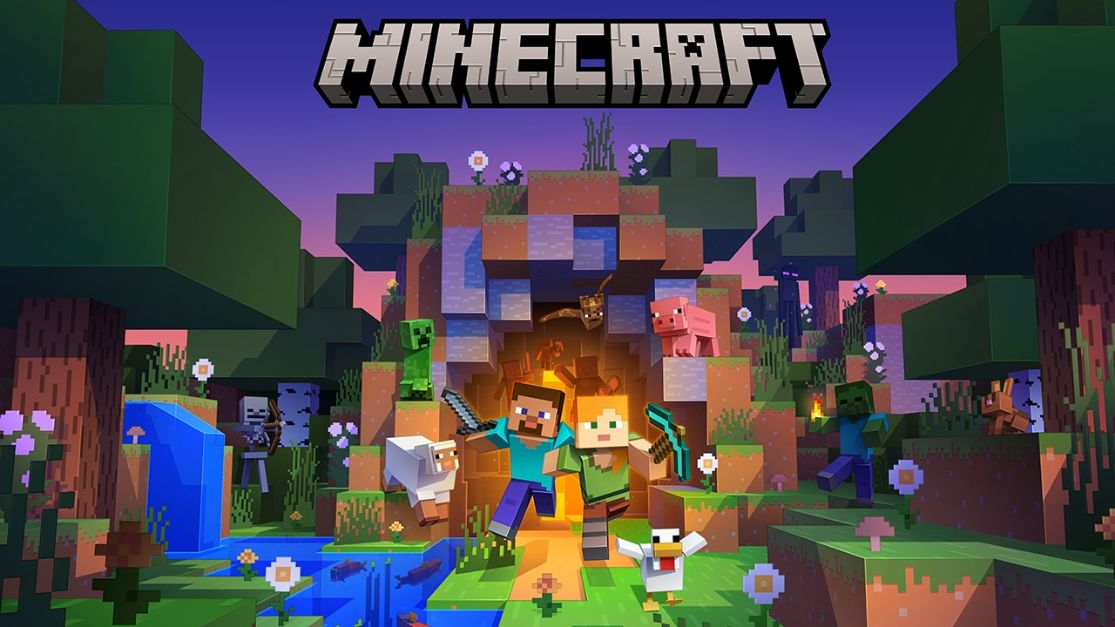
Java पर मॉड और servers, Bedrock पर cross-खेलें — left rail में edition चुनने से पहले compare करें।
 त्वरित Play बार
Recent worlds, Realms, और servers — menus खोजे बिना launcher से सीधे jump in।
 Fabric · Forge
लॉन्चर में Fabric, NeoForge, या Forge प्रोफ़ाइल जोड़ें — loaders को vanilla दुनियों से अलग रखें।
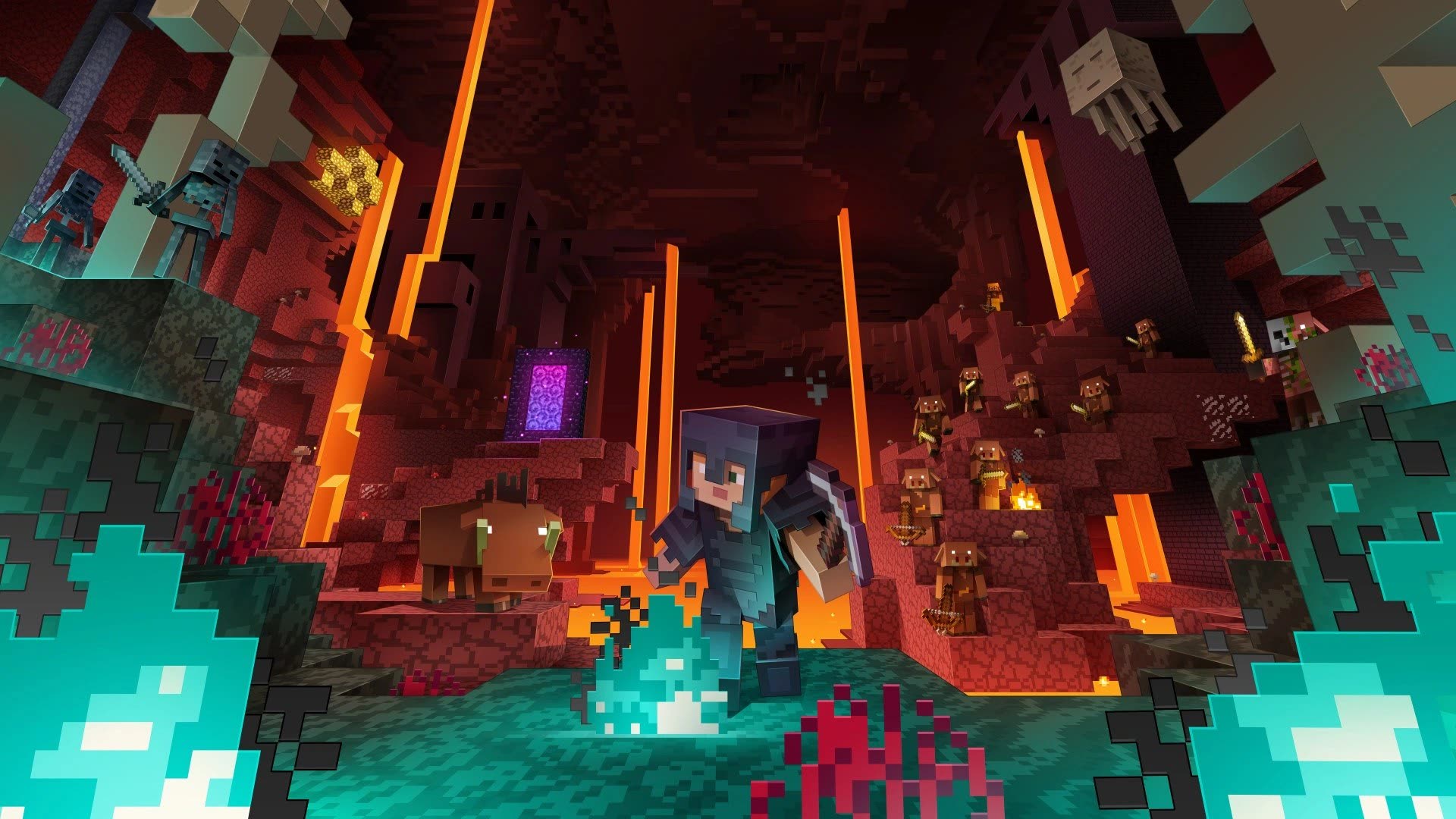
 समाधान गाइड
विफल डाउनलोड, गायब Java, sign-in loops, और crashes — असली खिलाड़ी रिपोर्ट से समाधान।
Minecraft Launcher Mojang का मुफ़्त PC hub है — साइन इन कराता है, editions डाउनलोड करता है, और हरा Play बटन देता है।
01
installer minecraft.net या Microsoft Store से लें — कभी third-party catalogues से नहीं।
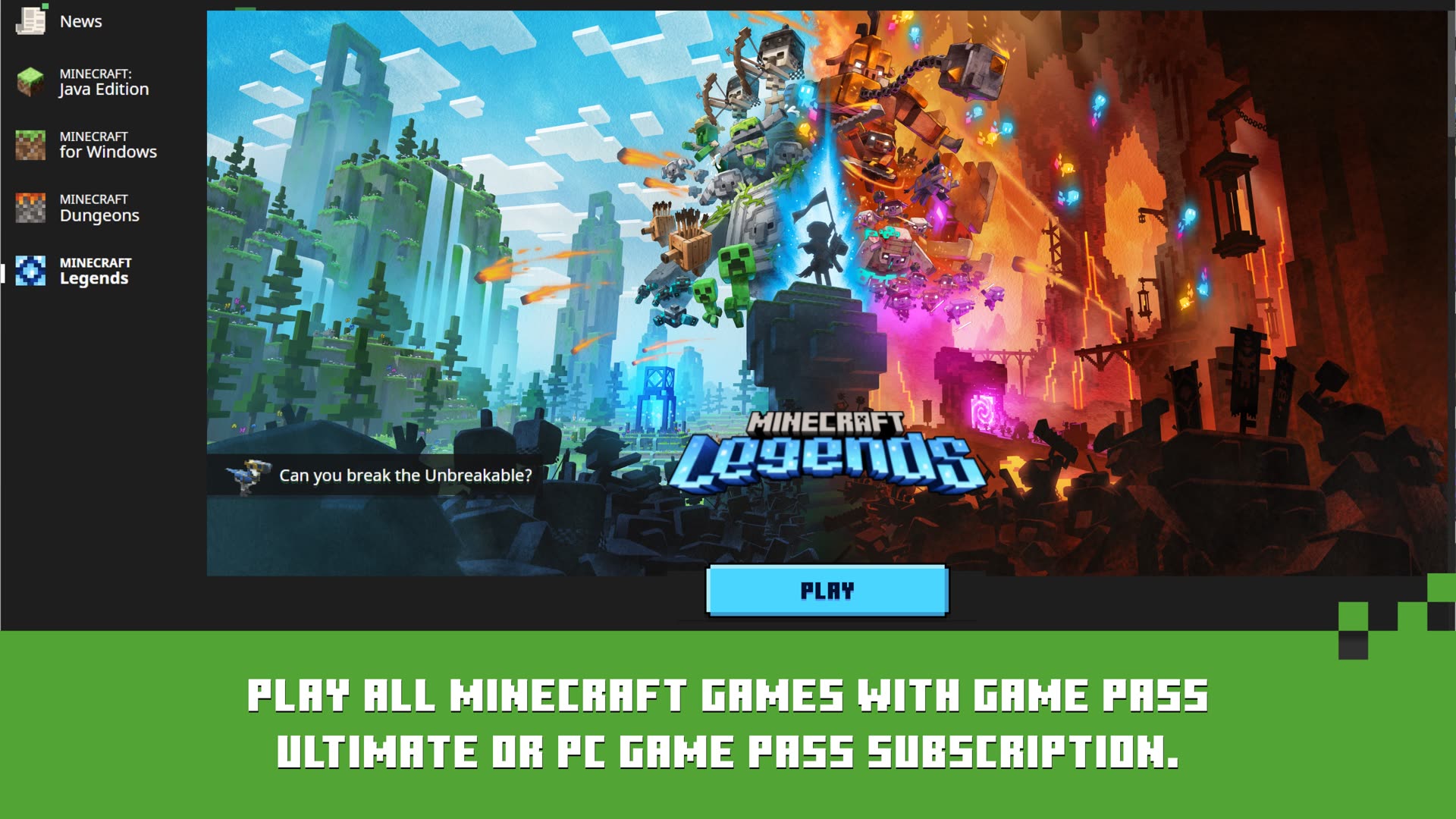 02
02
वह Microsoft account use करें जिसके पास गेम है। launcher अगली बार के लिए save करता है।
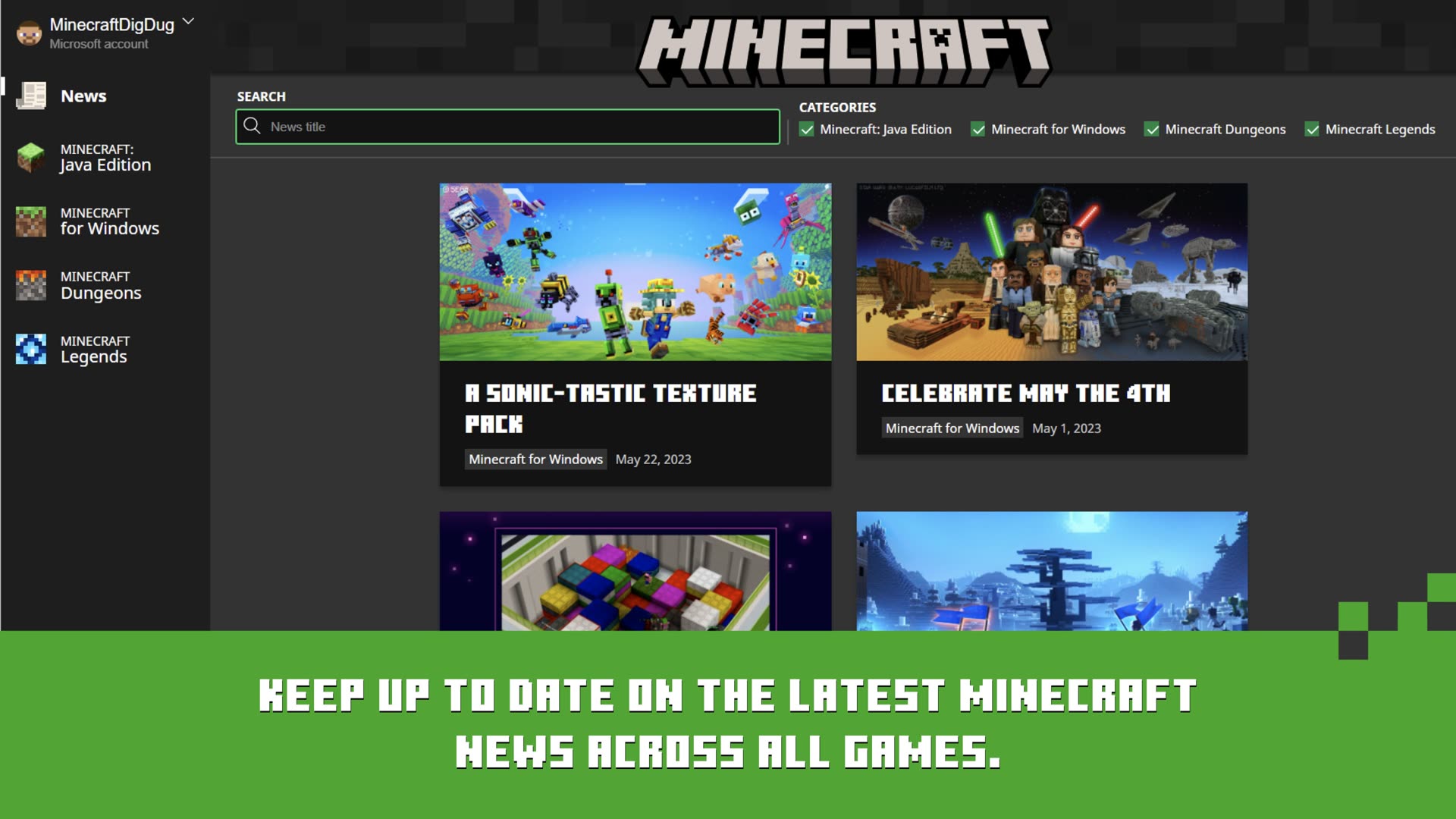 03
03
बाएँ rail में Java Edition या Bedrock चुनें। Windows पर दोनों एक ऐप में मिलते हैं।
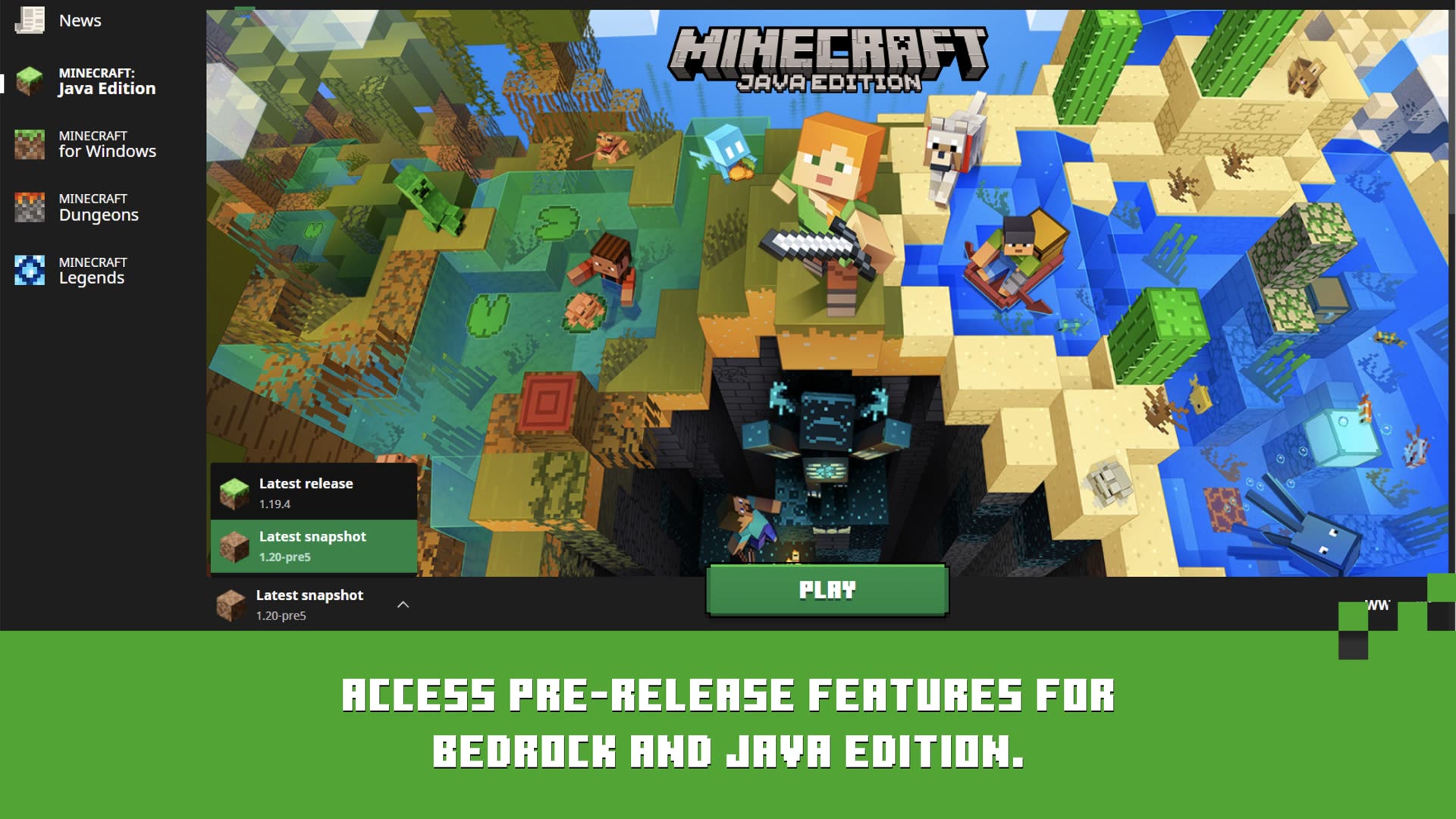 04
04
पहली बार download होने दें, फिर world, Realm, या server में jump in।
Windows को हर edition मिलता है। macOS और Linux same official Mojang launcher से Java Edition चलाते हैं।
Play दबाएँ और Overworld, Nether, और End में जाएँ — Realms, servers, और modpacks सहित।
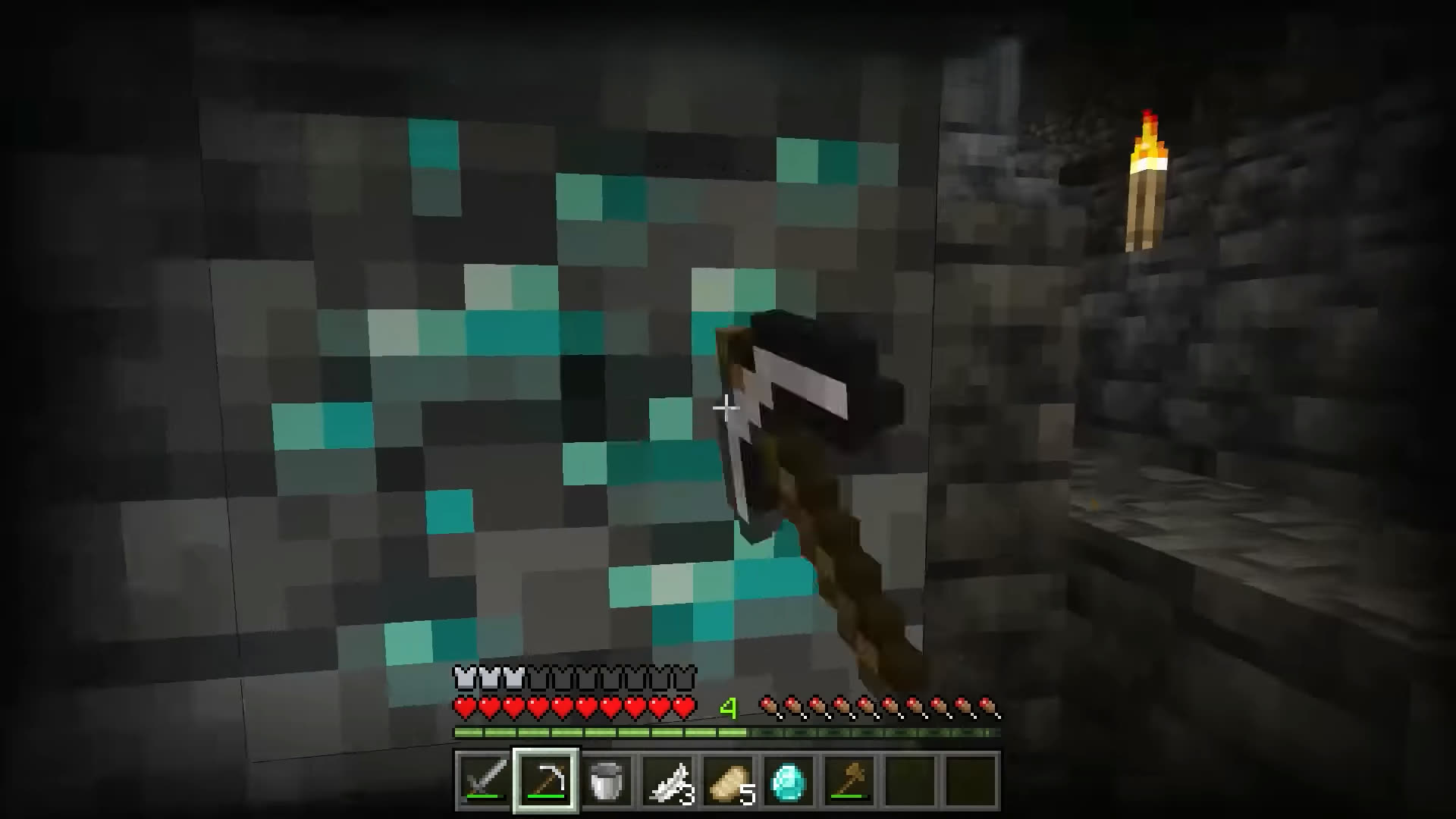 Overworld
Survival worlds, creative plots, और caves जहाँ diamonds खोजते हैं।
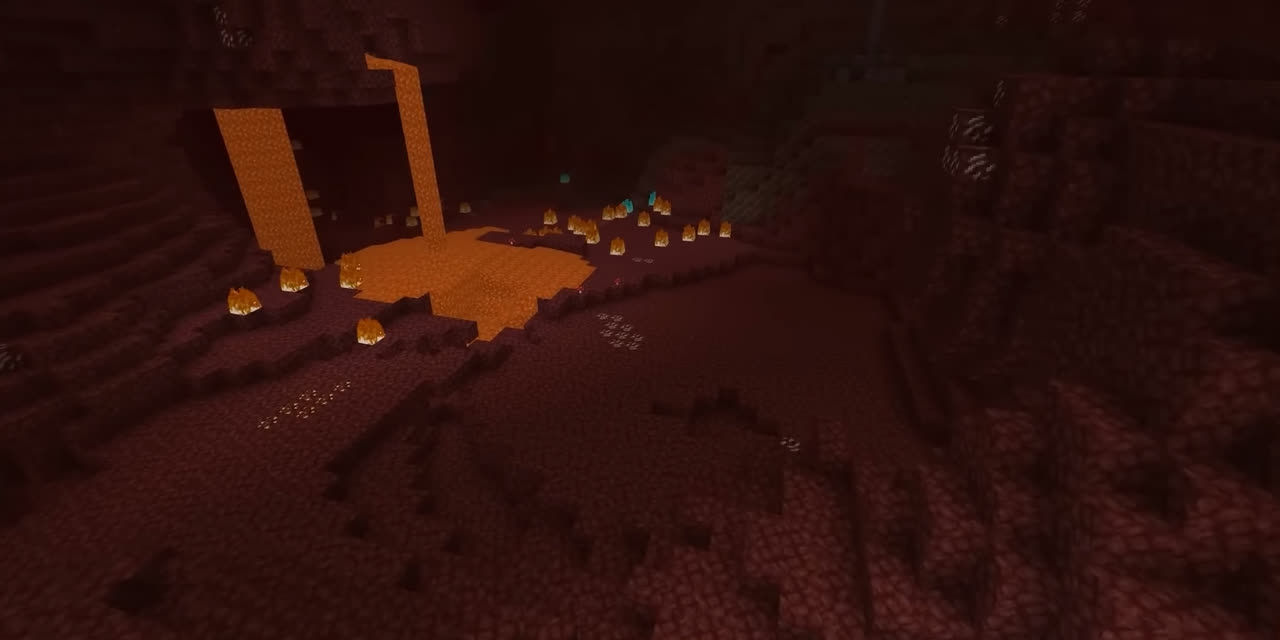 The Nether
Blaze rods, ancient debris, और dimensions के बीच portal नेटवर्क।
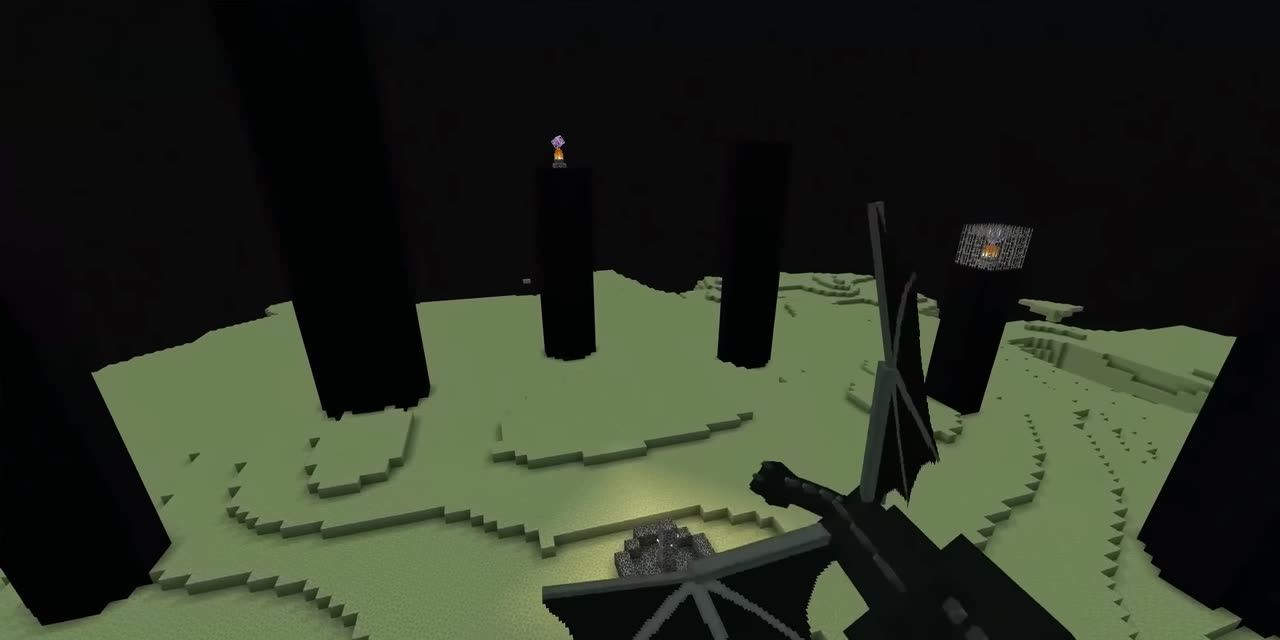 The End
End cities, elytra flights, और मुख्य survival arc समाप्त करने वाली लड़ाई।
Based on public forum threads and Microsoft Q&A — not invented testimonials.
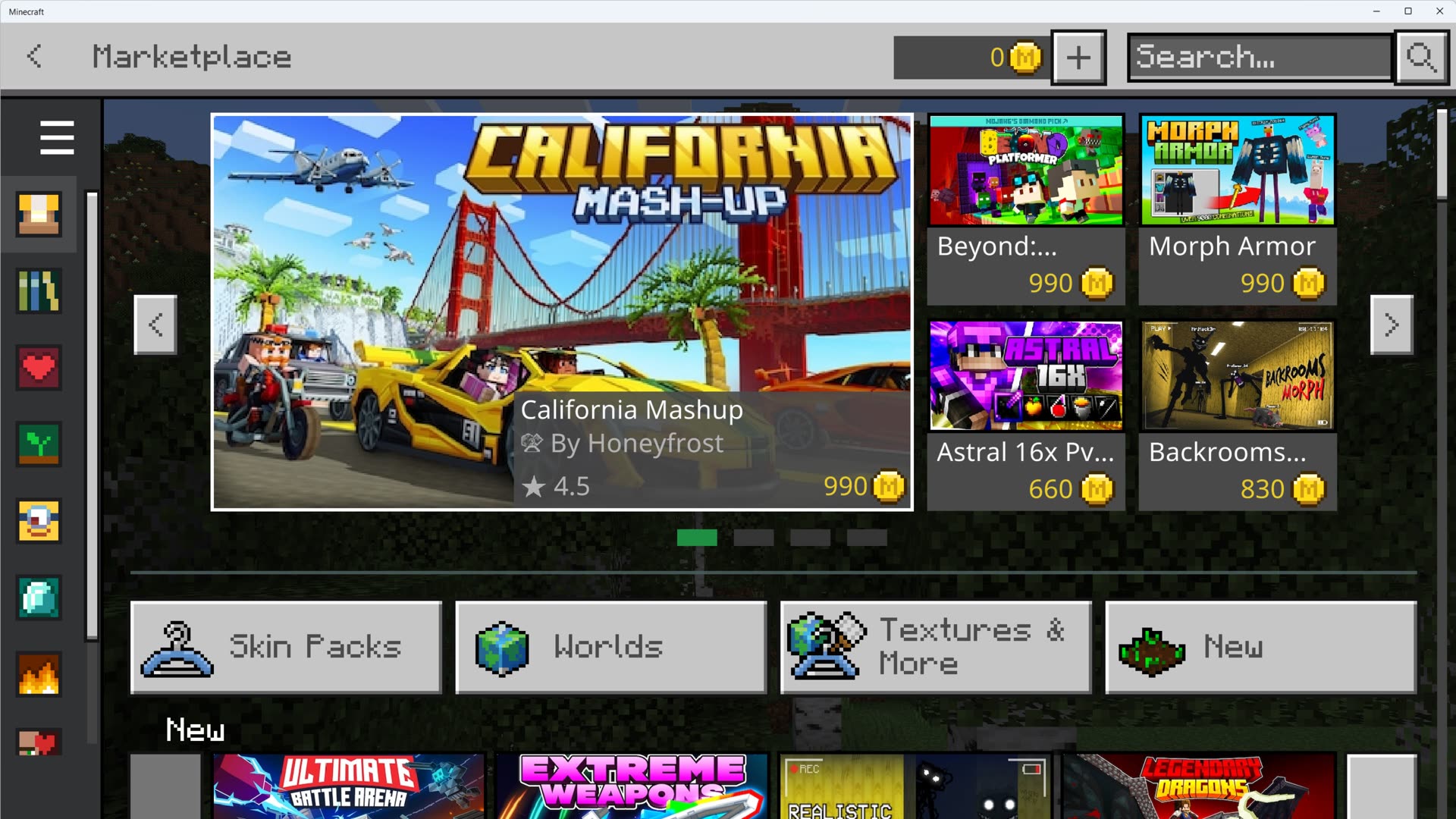 डाउनलोड विफल
डाउनलोड बार .jar या asset पर अटक जाती है — आमतौर CDN, antivirus, या corrupt version folder।
डाउनलोड त्रुटियाँ ठीक करें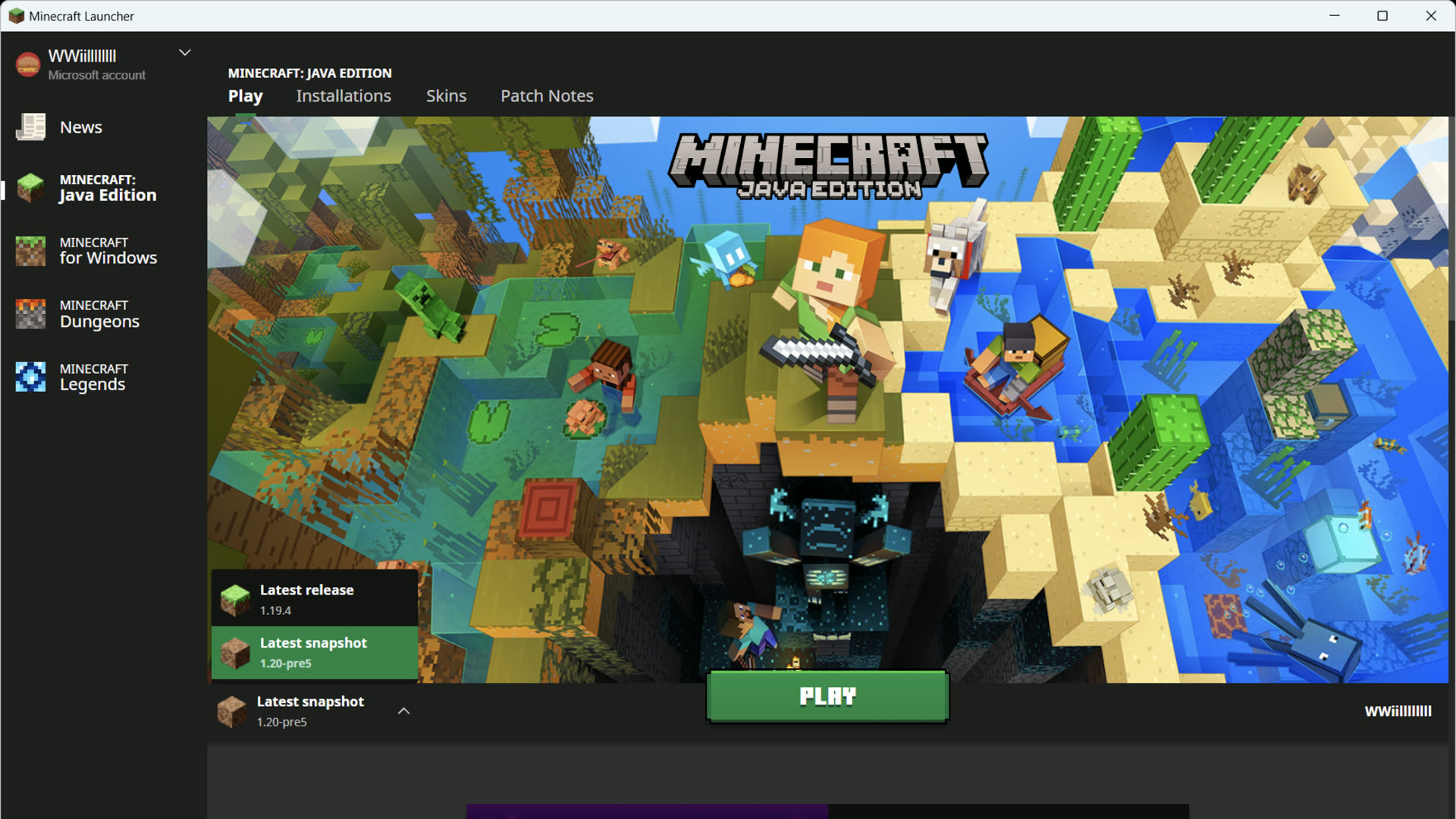 Java रनटाइम
launcher अपना Java bundle करता है — यह error broken install या bad custom javaw path का मतलब है।
Java रनटाइम ठीक करें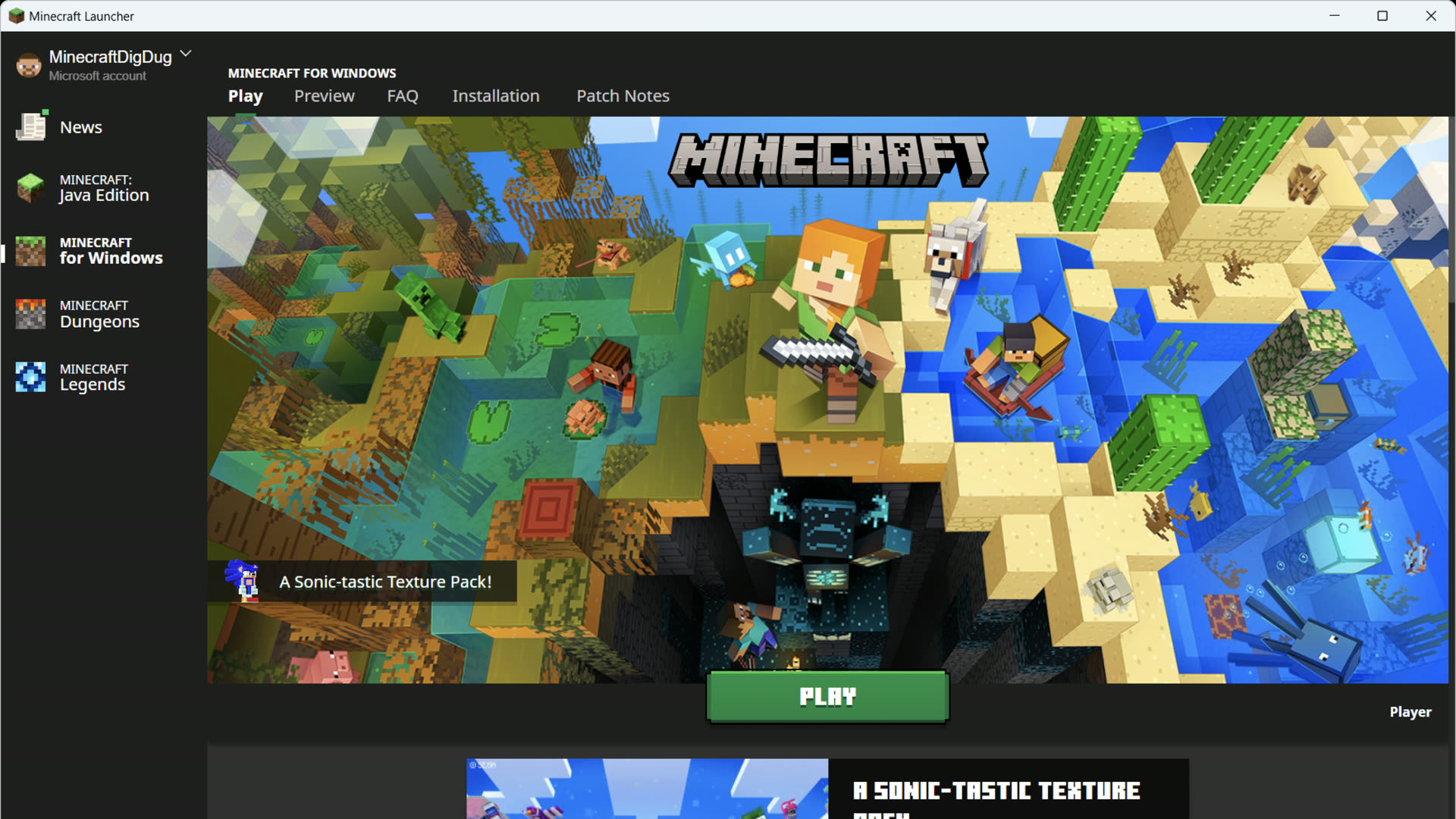 साइन-इन
Store, Xbox ऐप, और Gaming Services को एक Microsoft account share करना चाहिए।
साइन-इन त्रुटियाँ ठीक करें Play दबाने से पहले
Play दबाने से पहले खिलाड़ी पूछने वाले पाँच सवाल।
Mojang से official installer लें। Play विफल हो, Java गायब हो, या साफ़ modded profile चाहिए — तो यहाँ वापस आएँ।
 Windows 10 / 11