

Installations
vanilla worlds overwrite किए बिना release, snapshot, या Fabric/NeoForge profile pin करें।
launcher third-party mod client नहीं है। यह Mojang का installer, updater, news stand और skin closet है। कौन सा tab क्या करता है जानने से गलत चीज़ “repair” करने से बचेंगे।
हर title का पेज: Java Edition, Windows पर Bedrock Edition, Dungeons, Legends। असमर्थित titles नकली Play बटन की जगह नोटिस के साथ दिखते हैं। News cards minecraft.net से आते हैं ताकि patch notes अलग ऐप न हों।
कोने का gamertag Xbox identity है। Java username से अलग हो सकता है। खाता बदलना वहीं है, Windows सेटिंग्स में नहीं।
Installations, historical संस्करण, JVM arguments, custom javaw paths, और skins library Java Edition features हैं। Bedrock cosmetics के लिए Microsoft Store / Xbox install और in-गेम Marketplace उपयोग करता है।
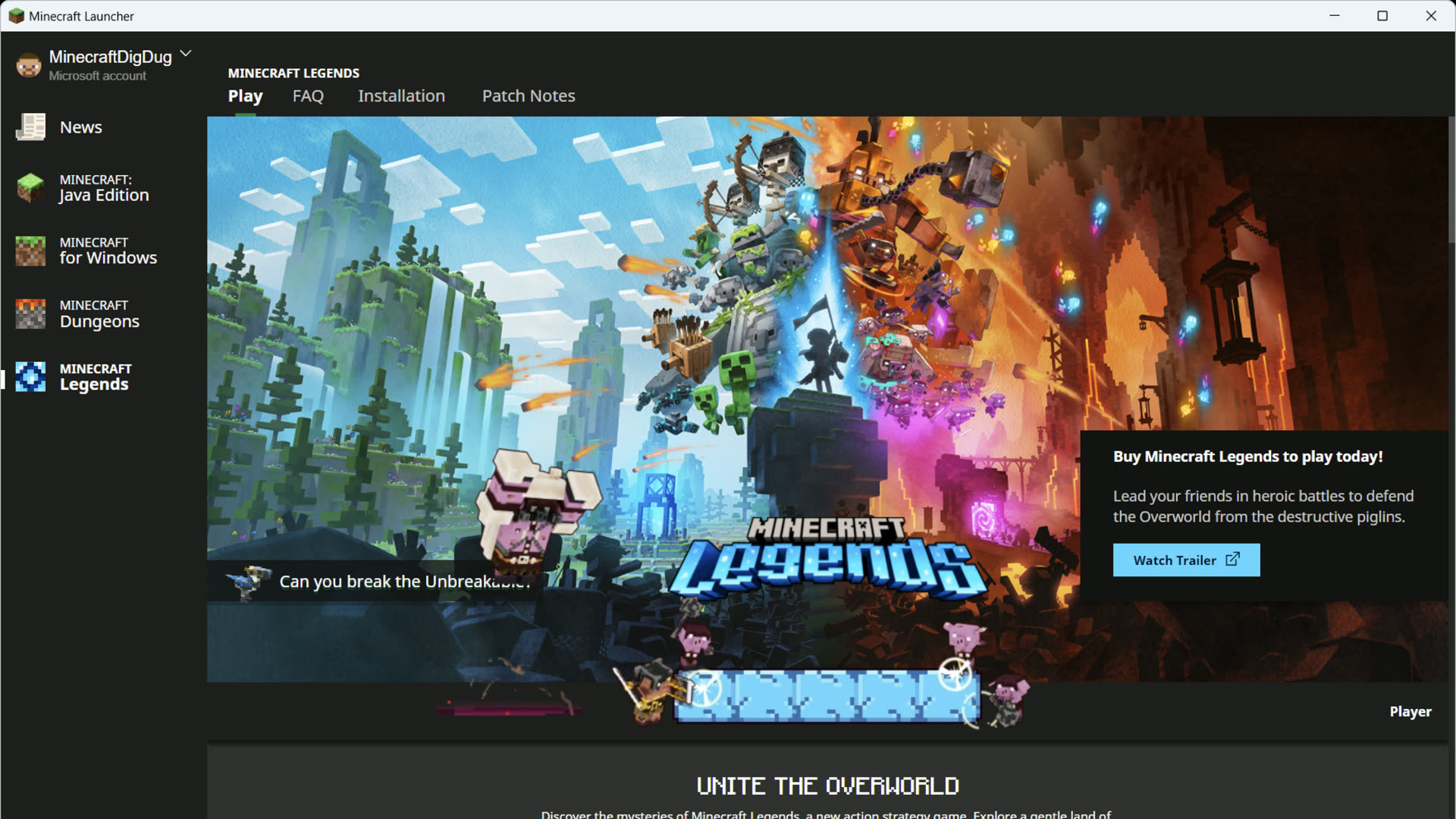
vanilla worlds overwrite किए बिना release, snapshot, या Fabric/NeoForge profile pin करें।

title menus में क्लिक करने की बजाय लॉन्चर से recent world, Realm, या server में जाएँ।

Play tab पर Release cards। जब snapshot की वजह से world न खुले तो उपयोगी।

Language, animations, keep-open, crash reports, historical संस्करण, hardware acceleration।

official launcher आपके install किए loaders चलाता है। Modrinth या CurseForge apps replace नहीं करता।

Preview channel, Creator tools, Marketplace Pass, Minecoins — केवल Windows PC।