

Installations
Pin a release, a snapshot, or a Fabric/NeoForge profile without overwriting vanilla worlds.
The launcher is not a third-party mod client. It is Mojang’s installer, updater, news stand, and skin closet. Knowing which tab owns which job saves you from “repairing” the wrong thing.
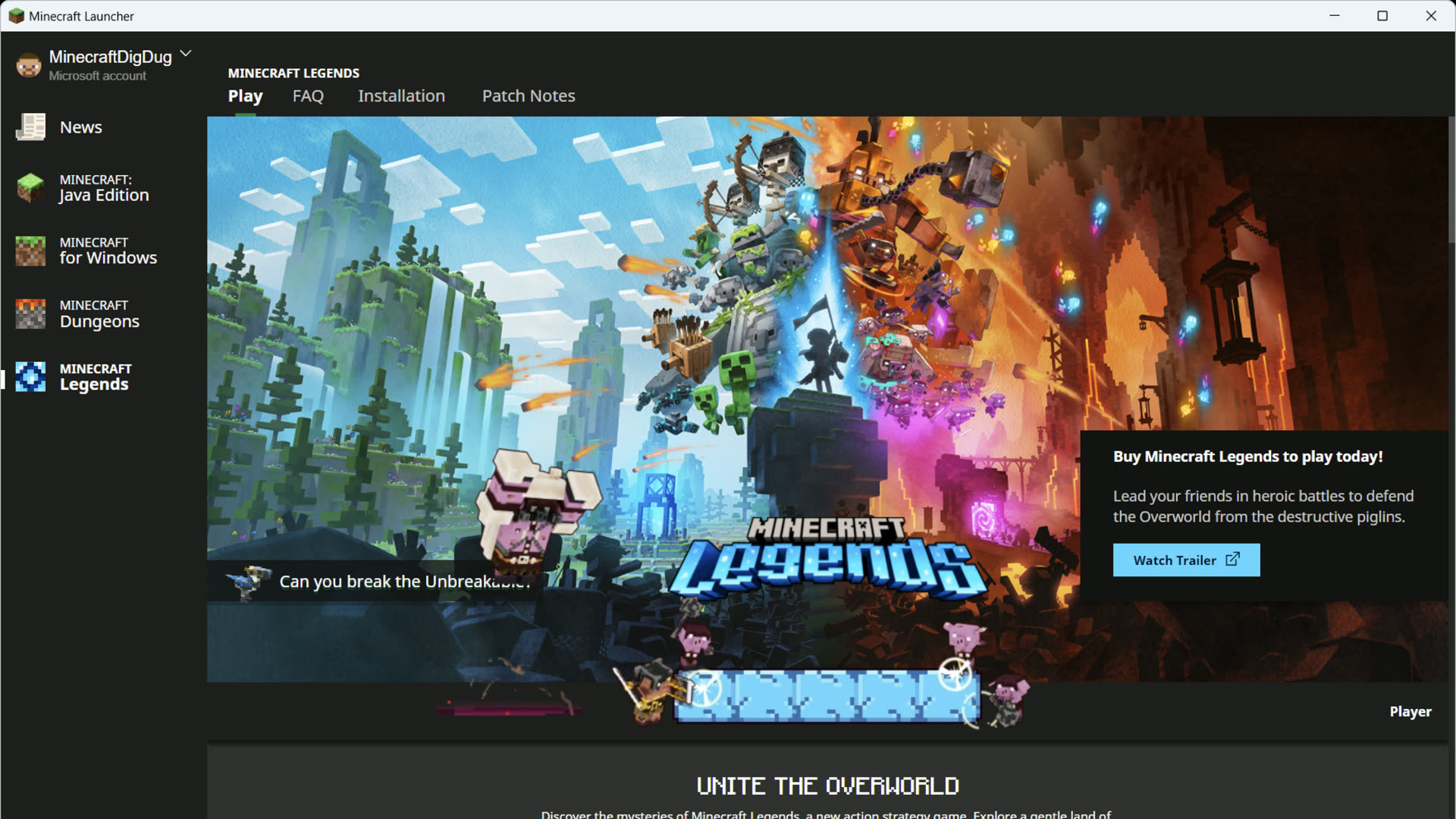
Each title gets a page: Java Edition, Bedrock Edition on Windows, Dungeons, Legends. Unsupported titles still appear with a notice instead of a fake Play button. News cards pull from minecraft.net so patch notes are not a separate app.
The gamertag in the corner is an Xbox identity. It can differ from a Java username. Account switch lives there, not in Windows Settings.
Installations, historical versions, JVM arguments, custom javaw paths, and the skins library are Java Edition features. Bedrock uses Microsoft Store / Xbox install and in-game Marketplace for cosmetics.
Pin a release, a snapshot, or a Fabric/NeoForge profile without overwriting vanilla worlds.

Jump into a recent world, Realm, or server from the launcher instead of clicking through title menus.

Release cards on the Play tab. Useful when a snapshot is why a world will not open.

Language, animations, keep-open, crash reports, historical versions, hardware acceleration.

The official launcher runs loaders you install. It does not replace Modrinth or CurseForge apps.

Preview channel, Creator tools, Marketplace Pass, Minecoins — Windows PC only.