
The official launcher already has Java. Yours is pointing at a ghost.
Vanilla Java Edition through Mojang’s launcher uses a runtime the launcher downloads. “Unable to locate the Java runtime” usually means that download never finished, or an installation’s Java executable field points at a deleted JDK.
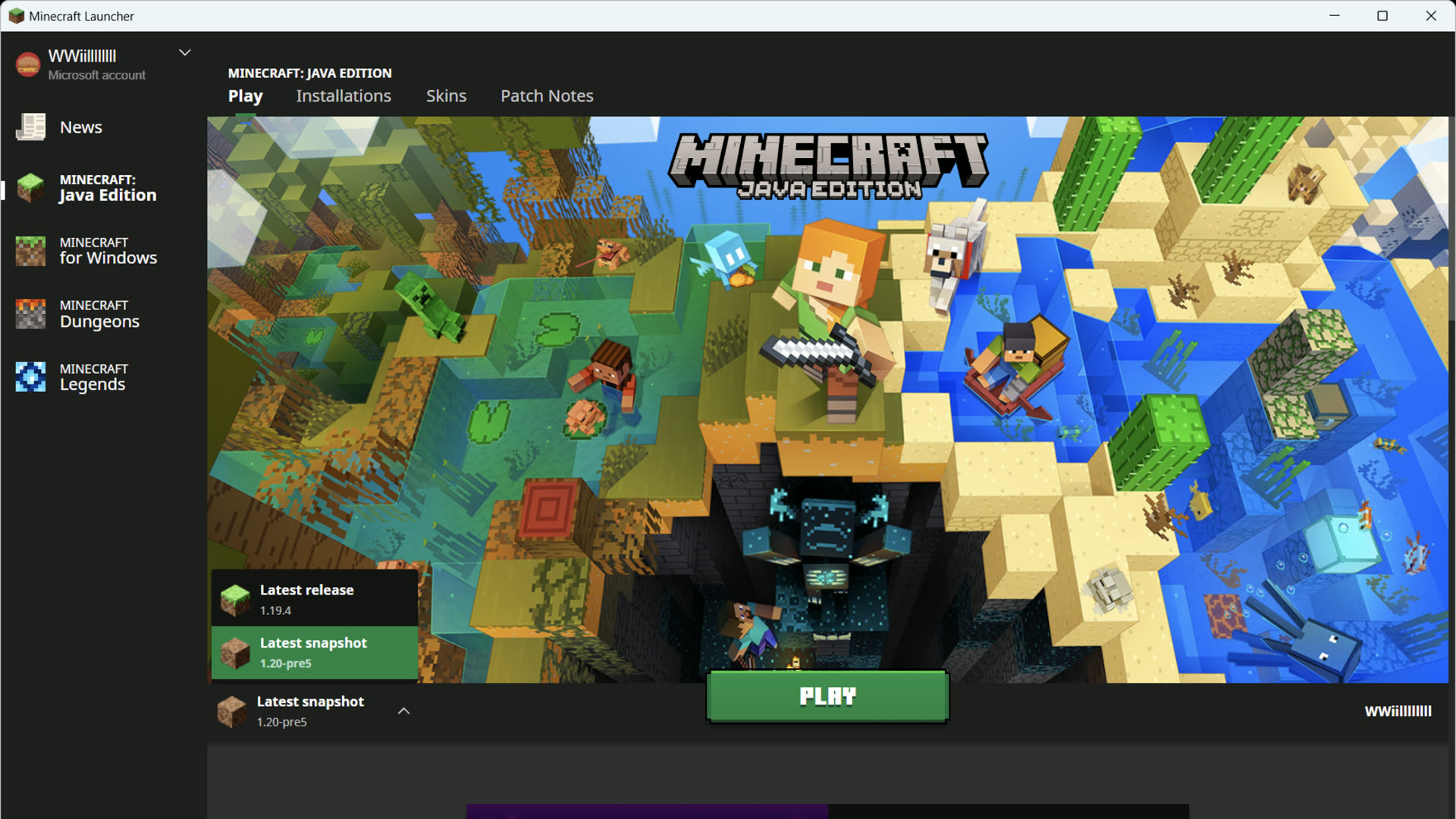
- Edit the installation → Java executable → restore the bundled runtime (empty/default).
- Do not install Java 8 from an ad site “because Minecraft is Java.” Modern versions need the runtime Mojang ships (Java 21 for current 1.21+).
- If the bundled runtime itself is missing, fix the failed runtime download first — same family of issues as failed file downloads.
- Third-party launchers and dedicated servers are different: they often need a system JDK. This page is about Mojang’s launcher.
Microsoft Q&A threads after OS resets describe “failed to download file” followed immediately by “unable to locate Java runtime.” That is one broken fetch, two error labels.